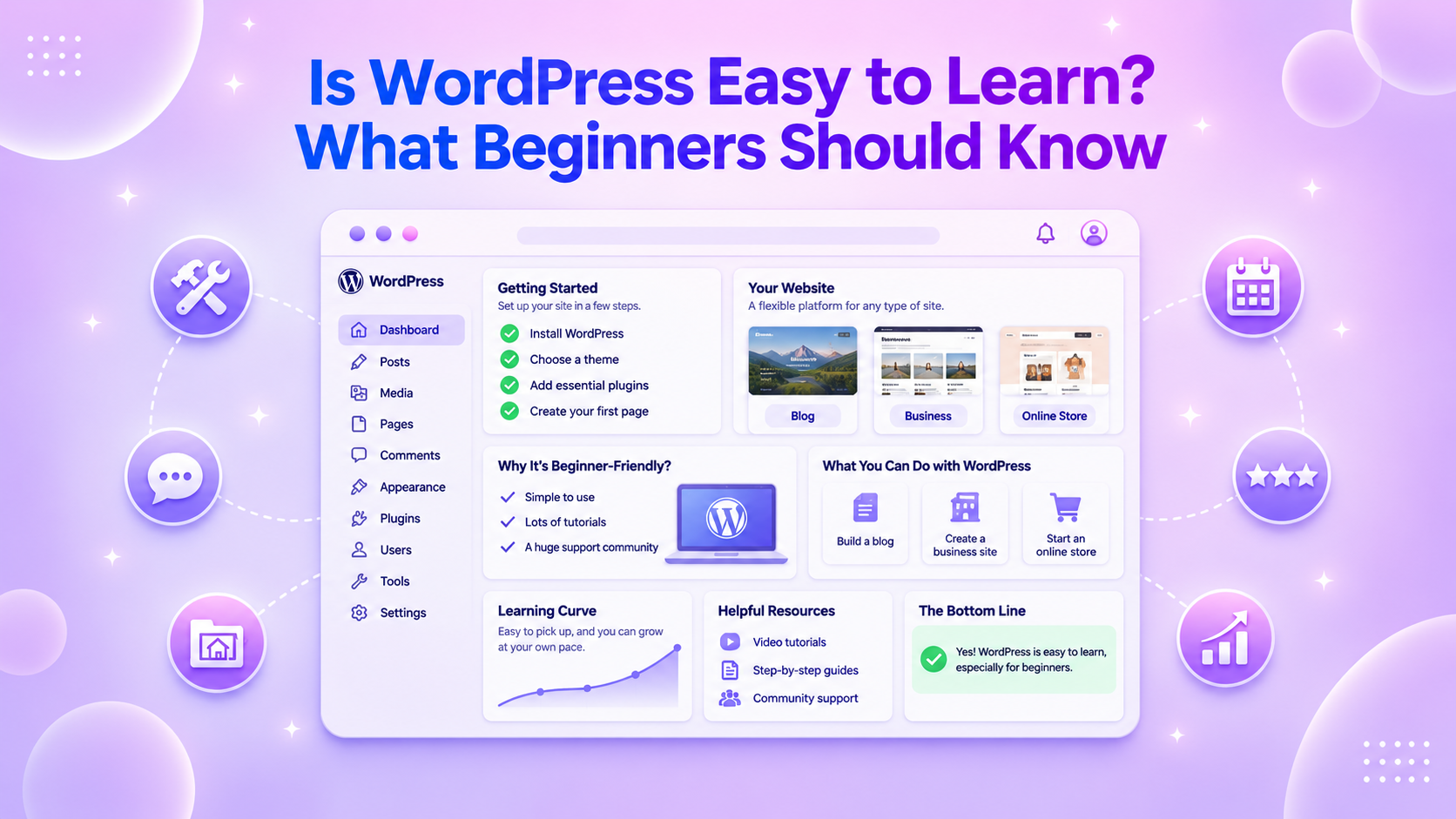













WordPress is fairly easy to learn if you want to build a simple website. You can create pages, add text and images, publish blog posts, and make basic changes without writing code.
What usually takes more time is understanding how the different parts of WordPress work together. For example, you may need to learn what themes control, what plugins add, how blocks work, and where templates fit into your website.
This can feel confusing at first, but you don’t need to understand everything before you start building.
It is better to learn the basics first, then learn new features when you actually need them. Gutenverse can also make this easier by giving you ready-made templates, more blocks, and design controls directly inside the WordPress editor.
In this guide, we will explain what makes WordPress easy or difficult to learn, what beginners should focus on first, and how Gutenverse can help simplify the website-building process.
Is WordPress Easy to Learn for Beginners?
Yes. WordPress is fairly easy to learn if you only want to do basic things like creating pages, adding images, writing blog posts, and updating your content.
For example, if you want to create an About page, you can open Pages, add your text and images, then publish it. You don’t need coding for that.
The harder part comes when you want to change how your website looks or add more features.
You may need to learn things like:
This is usually what makes WordPress feel confusing at first. The easiest way to learn is to start with simple tasks, then learn more as you need it.
If you are still learning how blocks work, our WordPress Blocks Guide can help.
Why Does WordPress Feel Hard at First?
WordPress can feel confusing at first because it gives you many choices and introduces several new terms at the same time.
For example, you may need to understand the difference between:
You also have many themes and plugins to choose from. This can make simple decisions feel harder than they need to be.
Another confusing part is that WordPress can look different depending on the theme you use. A tutorial may tell you to use Appearance → Customize, while your website uses the Site Editor instead.
This doesn’t mean the tutorial is wrong. It may simply use a different type of theme.
Website design can also make the process feel harder. You may know how to add a heading or button, but still wonder about colors, spacing, font sizes, or mobile layouts.
That is why it helps to start with the basics and use a ready-made design when possible.
You can also read our guide on what a block theme is and how to choose the right WordPress theme if you want to understand these parts better.
What Should You Learn First in WordPress?
You don’t need to learn every WordPress feature before you start building. Focus on the parts you will use most often.
Start with the main dashboard areas: Pages for pages like Home and About, Posts for blog content, Media for images and files, Appearance for your theme and design settings, and Plugins for adding extra features.
Next, learn how blocks work. WordPress uses blocks for content such as headings, paragraphs, images, and buttons. You can add, edit, move, and combine them to build your pages. Gutenverse uses the same block system and gives you more blocks and design controls when you need them.
You should also understand what your theme controls. Depending on the theme, it can affect your fonts, colors, header, footer, page width, and blog layouts. You don’t need to customize everything at once. Just learn where the main design settings are.
After that, try building one complete page, such as your homepage. Add a few sections, edit the content, and see how your blocks and theme work together. Once your main pages are ready, connect them with a navigation menu like Home, About, Services, Blog, Contact.
If you need help with navigation, you can read our guide on how to make a navigation menu in WordPress. Once you understand these basics, you already know enough to build a simple WordPress website.
What Makes WordPress Easier to Use Today?
In this day, WordPress lets you build and edit much more of your website visually. You can add headings, images, buttons, columns, and other elements with the Block Editor, then move them around and change their settings directly in the editor.
If you use a block theme, the Site Editor also lets you edit parts of your website such as the header, footer, navigation, templates, colors, and fonts. It uses the same block-based system, so you do not need to learn a completely different way of editing your site.
Templates and patterns also make things easier. Instead of starting every page from a blank screen, you can use a ready-made layout and replace the sample text, images, and other content with your own.
These tools make WordPress easier for beginners because you can build more of your website visually without writing code.
How Gutenverse Can Make WordPress Easier for Beginners
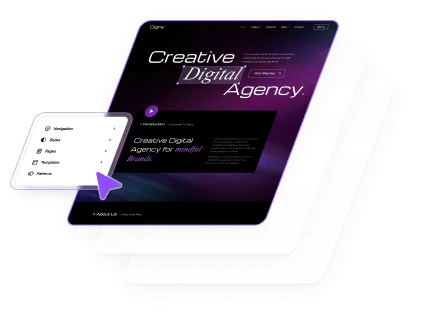
Gutenverse can make WordPress easier by giving you a better starting point. Instead of building every page from scratch, you can use a ready-made template that already includes pages like Home, About, Services, Contact, plus a header and footer. You can then replace the demo text, images, colors, and other content with your own.
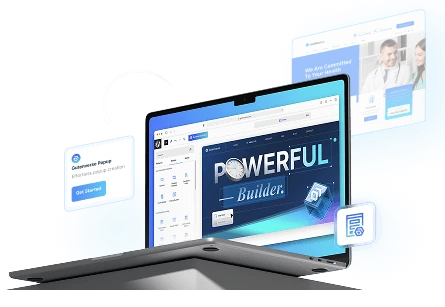
Gutenverse also works with the WordPress block system, so you can keep using the same editing workflow. It gives you more blocks for things like forms, tabs, testimonials, sliders, and icon boxes without switching to a separate page builder. You can see more examples in 5 Gutenverse Features to Build WordPress Sites Faster.
It can also help you keep your website design consistent. With Global Styles, you can reuse the same colors and fonts across different pages, then update them more easily later. You can learn more in How to Make Your Web Design Consistent in WordPress.
Gutenverse also includes responsive controls, so you can adjust things like font size, spacing, and alignment for mobile directly in the editor. As your website grows, you can add more features such as forms, popups, mega menus, and animations when you actually need them.
This makes it easier to start simple, learn the basics first, and add more as you become more comfortable with WordPress.
How Long Does It Take to Learn WordPress?
It depends on what you want to build. For a simple blog, portfolio, or business website, you can usually learn the basic WordPress workflow in a few days to a few weeks with regular practice.
During that time, you can learn how to create pages and posts, add text and images, use blocks, install a theme, add plugins, create navigation, and make basic design changes.
More advanced websites usually take longer because they may need extra plugins, settings, or workflows. This includes online stores, membership websites, news sites, and more customized websites.
You may also need more time if you want to learn coding, theme development, or plugin development.
You don’t need to master WordPress before building your first website. Start with the features your current project needs, then learn more as you go.
FAQ
Yes. Beginners can create pages, publish content, and manage a WordPress website without coding. Some parts may feel unfamiliar at first, but the basic workflow becomes easier with practice.
No. You can build and manage most standard WordPress websites without writing code. Coding is mainly useful when you need more advanced customization.
The basic idea is simple. Each piece of content is a block that you can add, edit, move, and customize.
Yes. WordPress includes the Block Editor and Site Editor for building pages and editing different parts of your website. Block plugins such as Gutenverse can add more options while keeping you inside the WordPress editing system.
Yes. Gutenverse gives you ready-made templates, additional blocks, responsive controls, Global Styles, and other design tools that can reduce how much you need to create from scratch.
Start with pages, posts, blocks, themes, and plugins. Then learn navigation, templates, responsive design, and other features when you need them.
Final Thoughts
WordPress can feel confusing when you first see all the menus, themes, plugins, and settings. But you do not need to understand all of them before you can build a website.
Start with the basics, such as creating pages, adding content, and learning how blocks work. Once you are comfortable with those, you can explore more features when you actually need them.
Gutenverse can also make the process easier by giving you ready-made templates, extra blocks, and design controls directly inside the WordPress editor.
The best way to learn WordPress is by using it. Start simple, build one step at a time, and learn more as your website grows.