












Read feedback from WordPress users building business websites, portfolios, and blogs with Gutenverse.
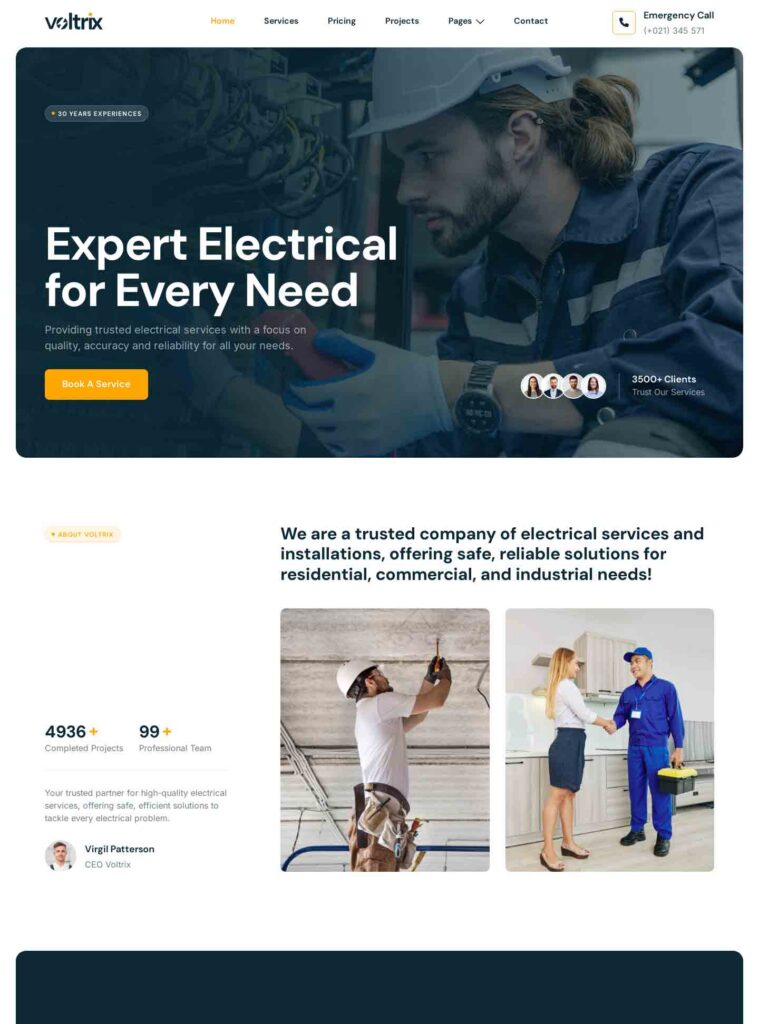
Showcase electrical installations, repairs, and emergency services with a practical website that keeps contact information easy to find.

Help visitors identify the repair services you handle and how to describe their requirements. Start with the questions visitors bring to your website and decide which information belongs on the homepage. Give more detailed subjects their own pages and use descriptive navigation labels. A clear path from introduction to useful information and contact will help visitors judge whether your organisation, work, or offering matches their needs.
Compare the previews with the material you actually plan to publish. For handyman and property maintenance businesses, the right balance between images, explanations, and practical details matters more than matching sample colours. Try a short heading, a longer description, and a realistic photograph in your planning. Review the homepage and supporting pages together, and prefer a structure you can keep current as your content grows.
These themes are currently listed in this collection. Use the detail pages and live previews to compare visual approaches, then confirm the included layouts and setup requirements before choosing.
Gather service lists, coverage areas, work photographs, and enquiry instructions. Choose material that reflects your actual work, and check that you have permission to publish photographs, names, and examples. Explain specialist terms where your audience needs context. Replace sample figures and claims with verified information, and assign someone to maintain details that change. Preparing this material early makes it easier to compare website templates and identify sections you can simplify or remove.
Review the selected theme’s WordPress version, required plugins, and licence information before downloading. PRO themes require Gutenverse PRO and an eligible licence; check the individual theme for the exact requirements. Follow its installation and import instructions, and back up an existing website first. Use the WordPress block editor and available Full Site Editing controls to adapt typography, colours, navigation, and page sections around your own identity and content.
Replace demo branding and contact details, then test a realistic journey from the homepage to a useful page and the intended next step. Check heading wrapping, image crops, text readability, and navigation on desktop and mobile. Configure and test any forms or external services separately. A visual demo does not establish that booking, payments, specialist databases, or other operational functions are included; confirm those requirements for your project before launch.
Showing 1–7 of 7 themes
Showcase electrical installations, repairs, and emergency services with a practical website that keeps contact information easy to find.

Gladfix is a WordPress block theme for handyman, repair, and home improvement businesses, featuring strong navy and yellow styling and a practical service-focused layout.…
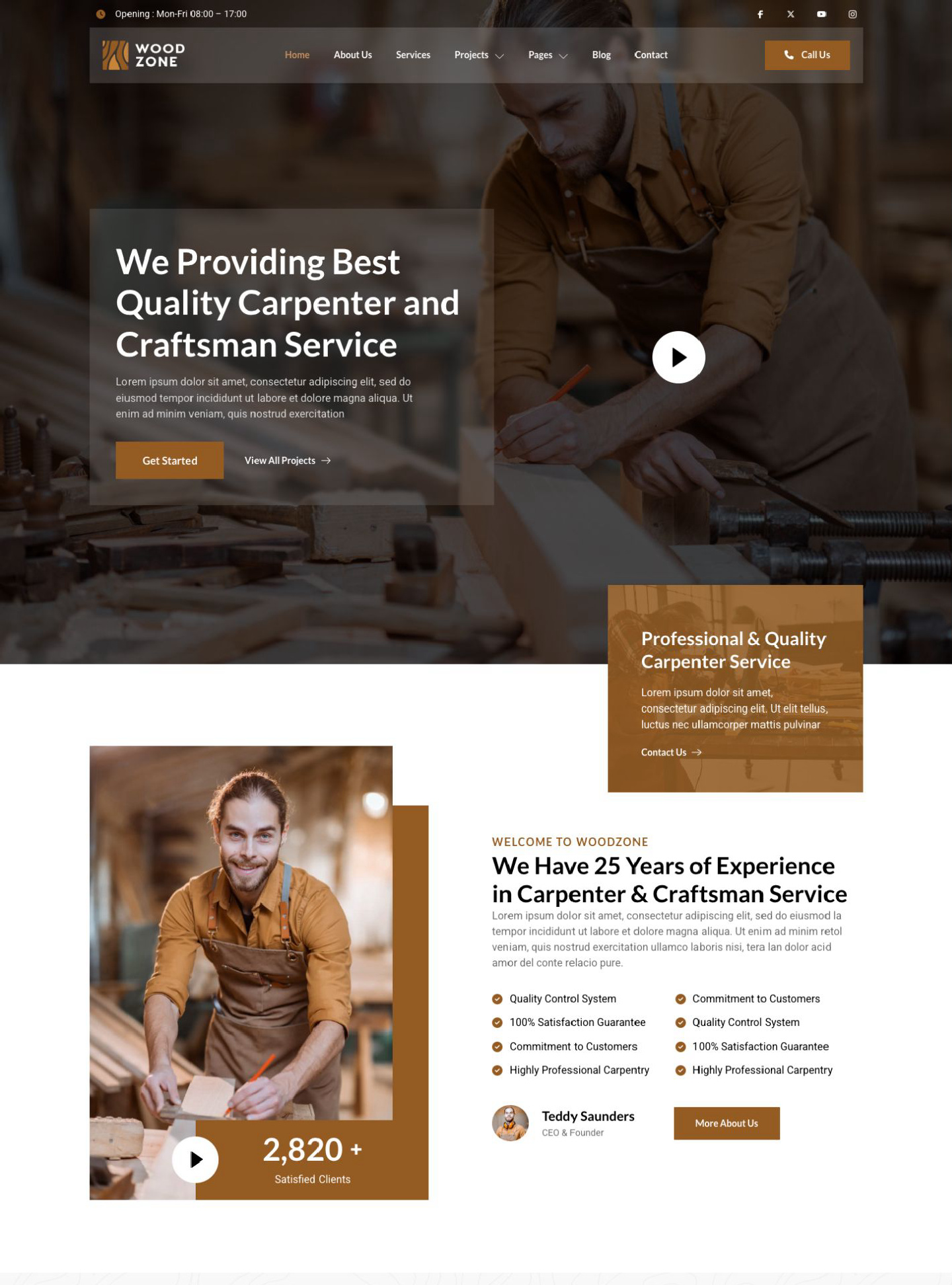
Woodzone is a WordPress block theme for carpenters, woodworkers, and renovation businesses, using warm brown tones and detailed craftsmanship imagery. Help visitors understand your…
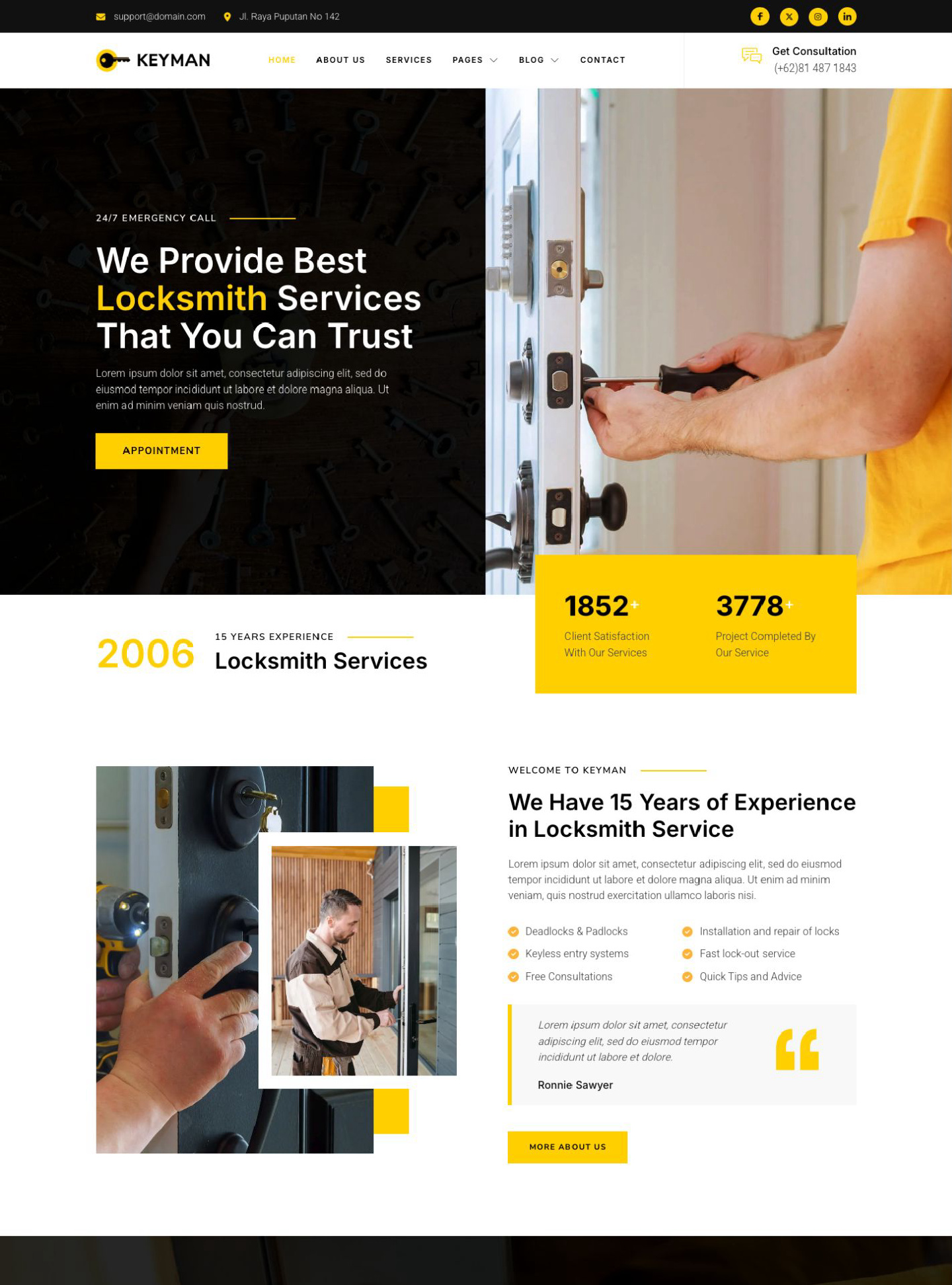
Keyman is a WordPress block theme for locksmiths and key-making services, combining bold yellow accents, black-and-white sections, and practical service imagery. Help visitors understand…
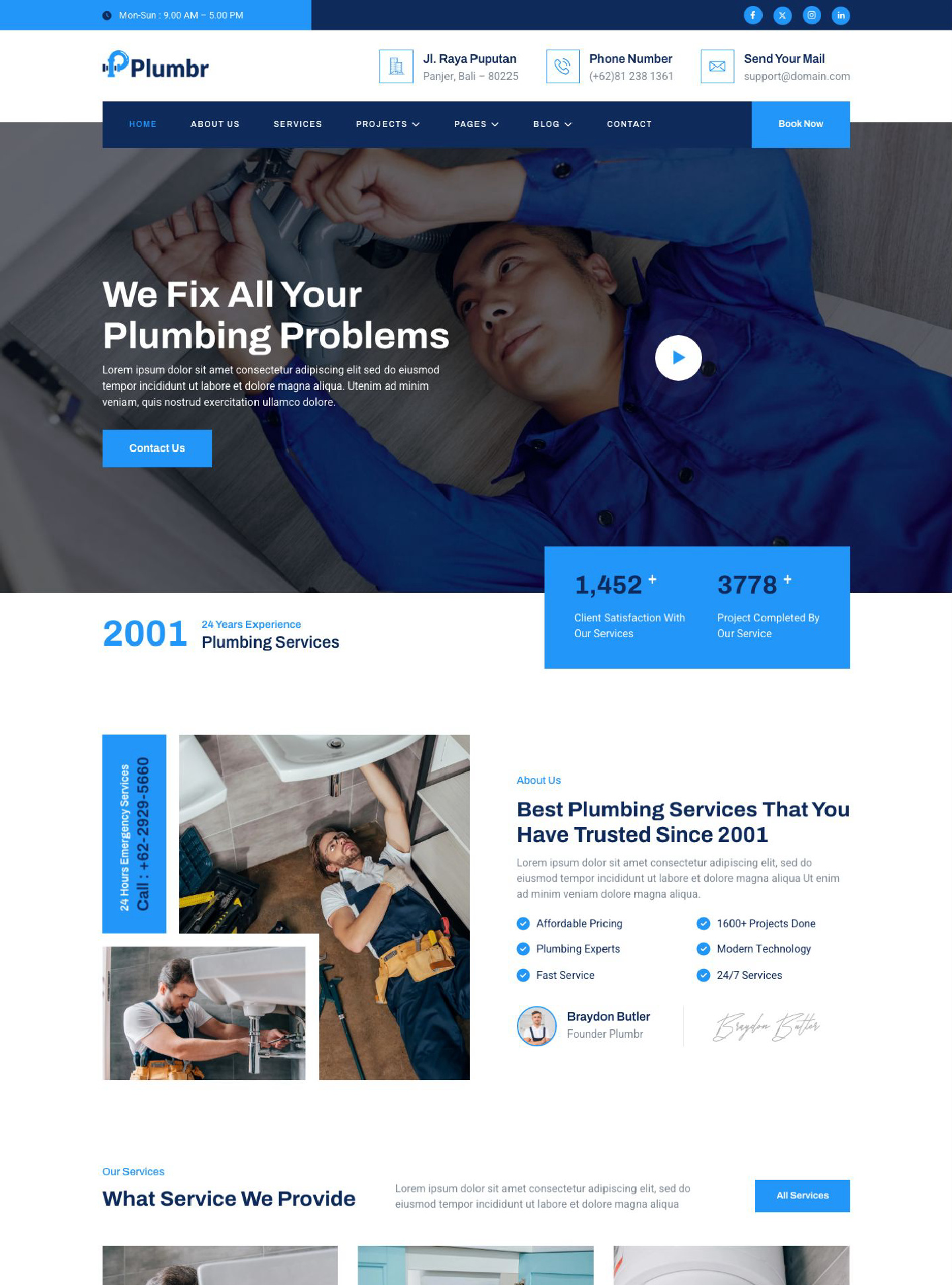
Plumbr is a WordPress block theme for plumbers and plumbing repair businesses, combining clean blue-and-white styling with service-focused sections and workplace photography. Help visitors…
Electriza is a WordPress block theme for electricians and electrical maintenance businesses, featuring a clear blue-and-yellow palette and professional workplace imagery. Help visitors understand…
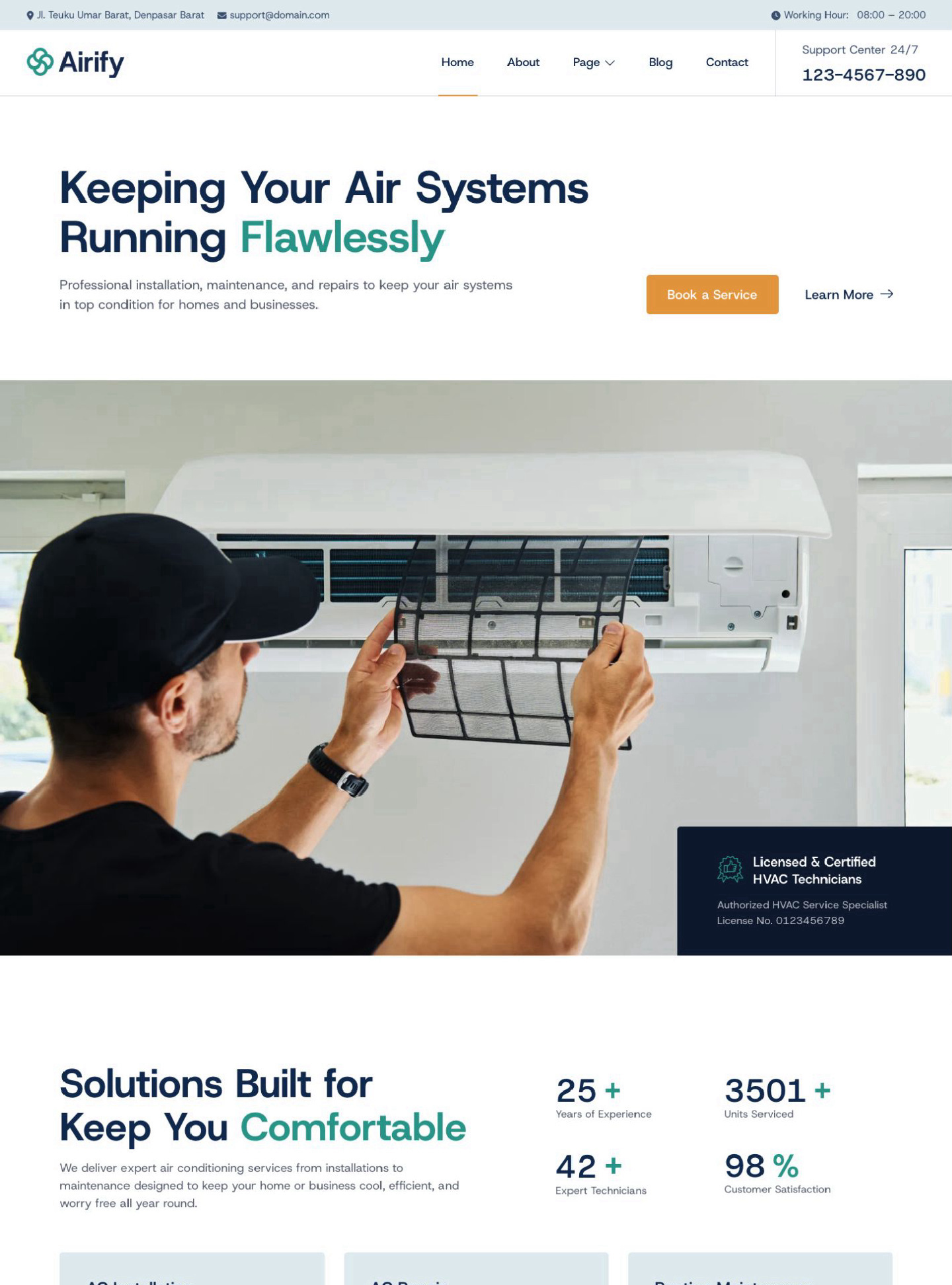
Airify is a WordPress block theme for HVAC contractors, air conditioning technicians, and maintenance companies. Help visitors understand your trade, the work you handle,…
Read feedback from WordPress users building business websites, portfolios, and blogs with Gutenverse.
Being a local small business owner, I have limited time to work on my website. Gutenverse has helped speed up adding new pages with their simple / easy to add website options. If you’re not a website designer by trade, try it… it’s pretty easy.
This Free Gutenberg plugin is the best. (I have tried a lot until now). I wonder how you can manage it to keep it free, but I am thankful anyway, because I am not a professional site builder.
This was my first time using the FSE and it was simple to create with one of their Startupzy theme. One feature was missing on their popup gallery that I wanted to use. I asked on their support channel, fast responses and the feature was added over a couple of days.
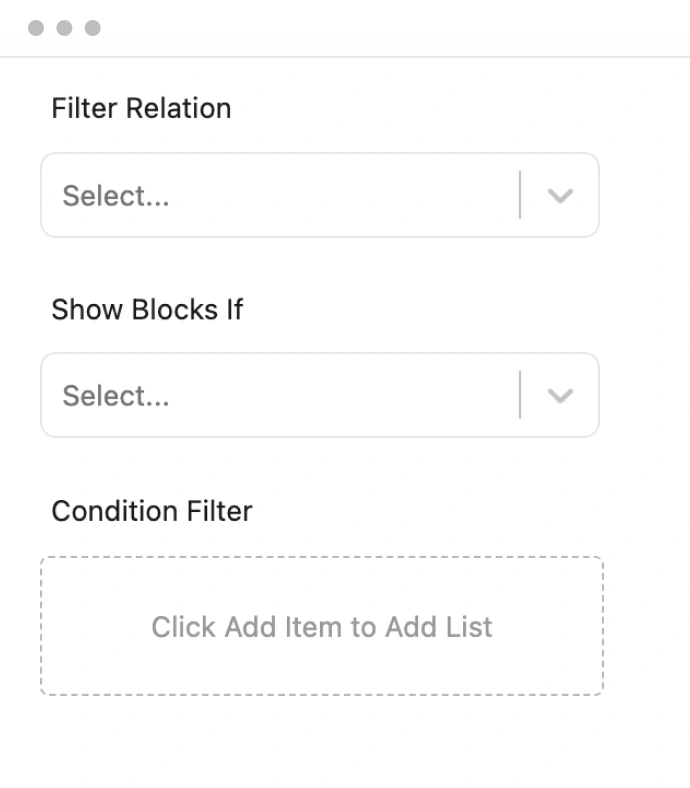
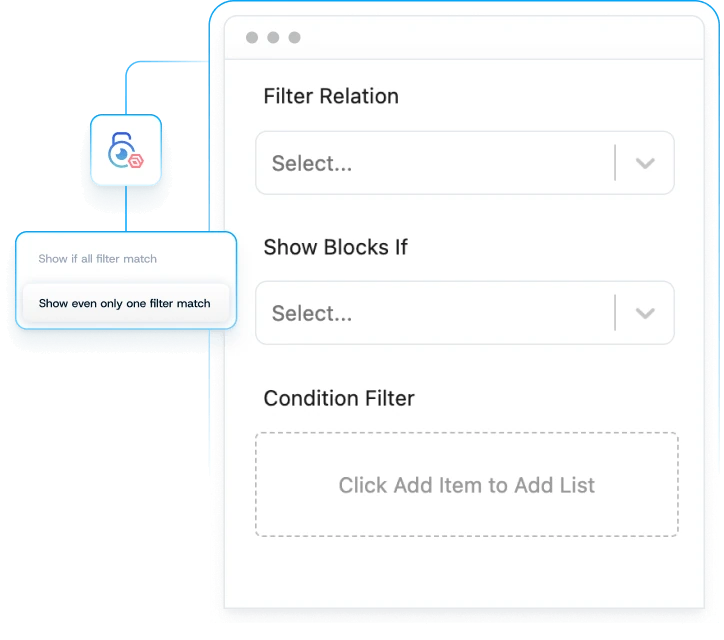
Start with the free Gutenverse plugin. Upgrade when you need advanced blocks, premium templates, display conditions, and additional form and design features. Compare plans to see what is included.



Learn what is free, what PRO adds, which themes to use, and how to get help.

Yes. Gutenverse is a free WordPress blocks plugin and page builder. The free version includes core blocks, starter templates, responsive controls, and global styles. Install it from WordPress.org and upgrade to PRO when you need advanced features.
Gutenverse PRO adds advanced blocks, premium templates, form builder tools, display conditions, and additional design controls. Compare PRO plans to check features and site licenses before choosing a plan.
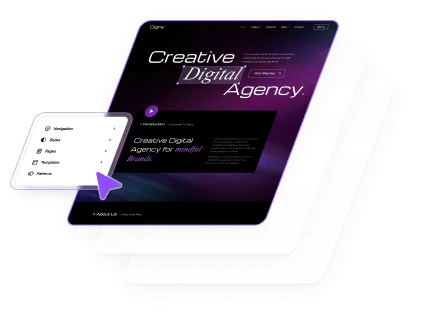
Use a compatible WordPress block theme to customize your full site with the Site Editor. Unibiz is designed for Gutenverse, and you can explore more designs in our Block Themes catalogue. Imported layouts can be customized with your own content, colors, and typography.
Yes. You can build client websites with Gutenverse. If you use PRO features, choose a plan with enough site licenses for the websites you activate. Compare plans to find the right fit for your projects.
Find setup guides in our documentation, ask a question in the WordPress.org support forum, or contact the Gutenverse team. PRO customers can use the support options included with their plan.