
















Last Update: November 25, 2025
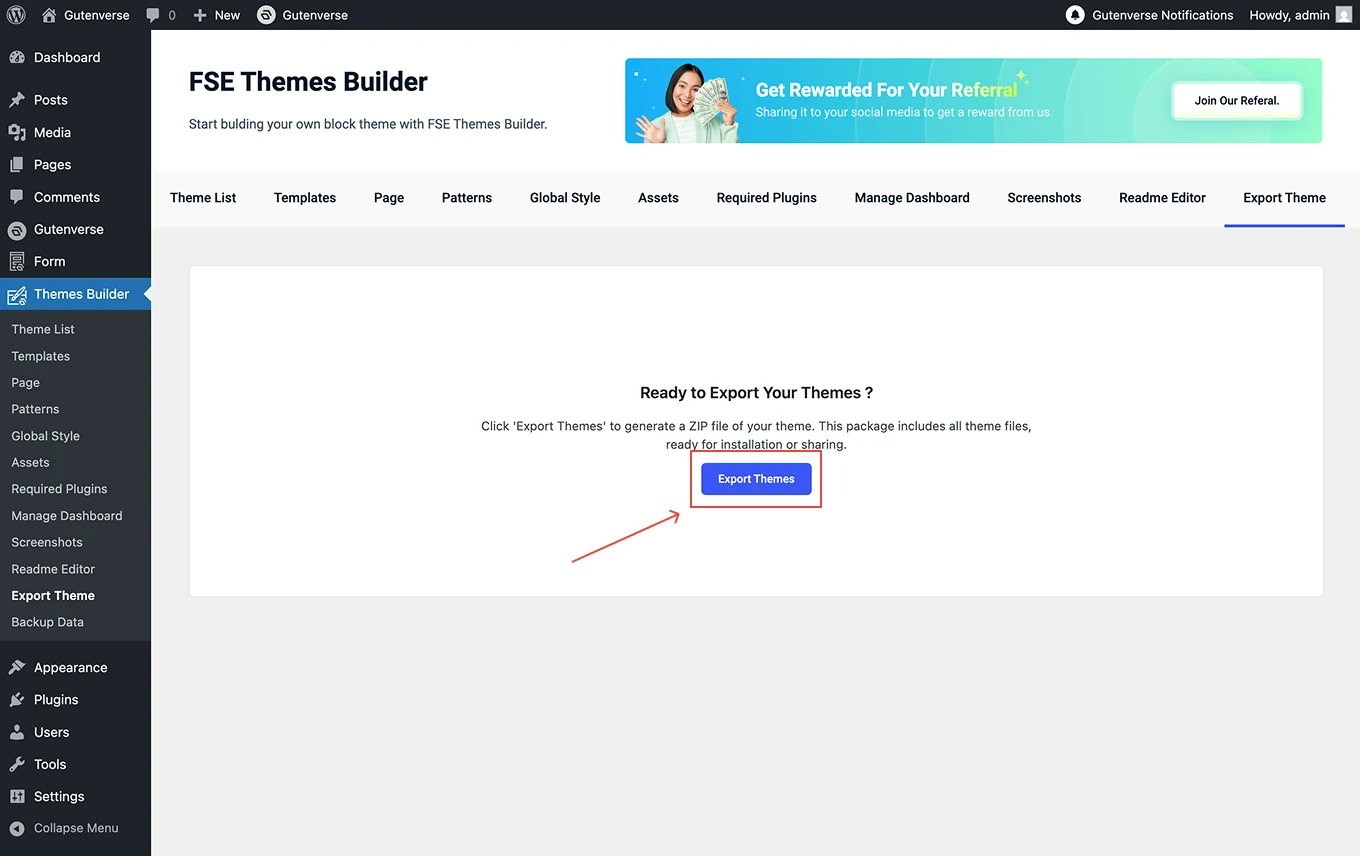
This is the final step to generate your theme package.
Before exporting the theme, there are several important details to check:
1.
Check Theme Information
Go to the Theme List tab and ensure all theme details, such as theme name, slug, version, author, description, and tags are filled in correctly. These details will be included in your exported theme files.
2.
Review Templates and Pages
Make sure all your templates and pages are created and saved properly. These will define the structure of your exported theme.
3.
Verify Required Plugins
If your theme uses specific plugins, ensure they’re listed in the Required Plugins tab so they’ll be included in the exported data.
4.
Set Up Dashboard and Readme
Double-check your theme logo, support link, documentation link, and readme content. These will appear in your theme’s dashboard after installation.
5.
Preview Screenshots
Double-check your theme logo, support link, documentation link, and readme content. These will appear in your theme’s dashboard after installation.
Once everything is ready, go to the Export Theme menu and click Export Themes. The system will generate a ZIP file containing all your theme files and ready for installation or sharing.