












Read feedback from WordPress users building business websites, portfolios, and blogs with Gutenverse.
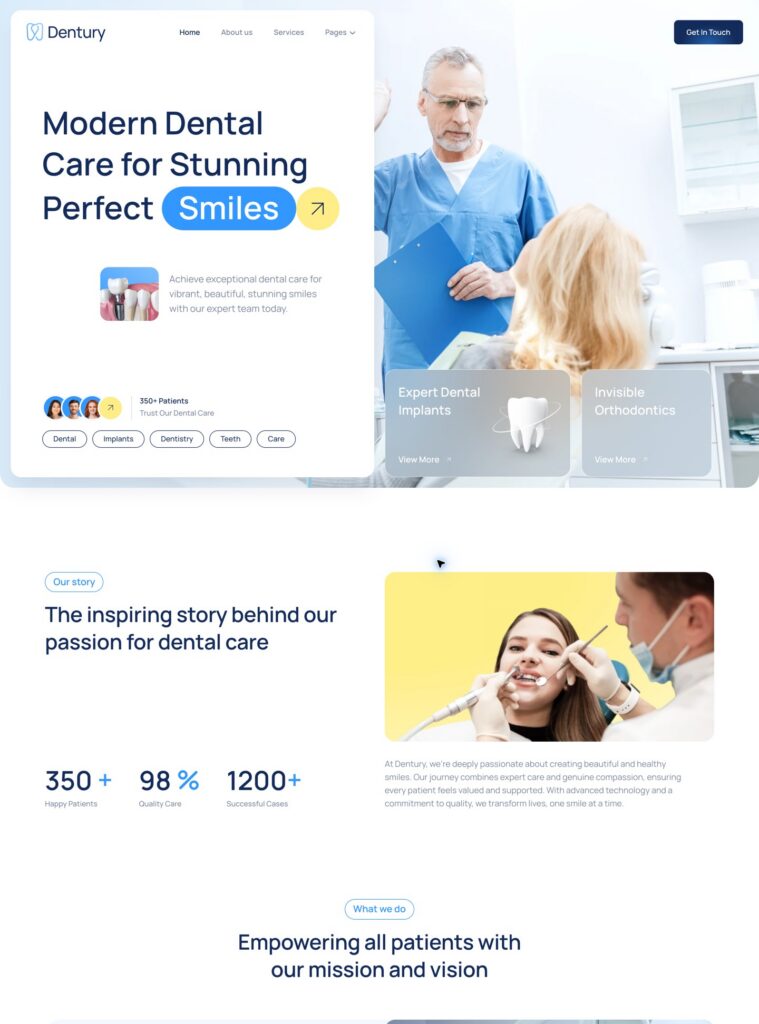
Showcase dental treatments, introduce your clinic, and help patients find appointment information with a fresh, welcoming website.

Start with the purpose of your website and the people you want to reach. A service business needs to explain its work and make enquiries straightforward, while a portfolio needs room for selected projects. A publication needs clear routes into articles and recurring subjects.
Compare WordPress website templates using the content you expect to publish. Look for a structure that supports your main pages, realistic heading lengths, and a clear next step for visitors. Treat each demo as a starting point that you can adapt to your own business or creative work.
Choose a collection that matches your work: Home & Property for property and home services, Agency & Portfolio for creative work, Travel & Hospitality for destinations and accommodation, and Business & Finance for professional services. Explore Health & Wellness for care and wellbeing, or News & Magazine for editorial websites.
Browse Food & Drink for restaurants and bakeries, Sports & Fitness for clubs and training, and Education & Coaching for learning and personal development. Compare Technology for digital products and IT services, Events & Entertainment for occasions and performances, and Community & Nonprofit for organisations and public causes. Use each collection’s subcategories, theme details, and live previews to narrow your shortlist.
The catalogue includes free WordPress block themes and PRO designs. Check the selected theme's detail page for its edition, available layouts, WordPress compatibility, and required plugins. Choose an edition that fits the website you plan to build and the tools you intend to use.
PRO themes require Gutenverse PRO and an eligible licence. Review the current plan requirements before downloading, and check the available import content for your chosen theme. Similar Free and PRO names do not mean that both editions include identical pages, designs, or functionality.
A strong homepage is only part of a useful website. Review the service, portfolio, article, about, and contact layouts relevant to your project. Check how visitors move between those pages and whether the design gives enough space to explain your work, products, or experience.
Follow the same journey on a smaller screen. Look at navigation, heading wrapping, image crops, and reading order using content similar to your own. If your project needs booking, payments, property search, or another specialist workflow, check the required integrations separately.
Prepare WordPress and the Gutenverse components required by the selected theme. Review its setup instructions and the importer before adding demo content. Back up an existing website and test the import on a staging installation so you can review the result with your current content.
Use the WordPress block editor and the available Full Site Editing controls to adjust page sections, templates, navigation, colours, and typography. Replace the demo's logo, writing, images, and contact details with your own. The available controls and layouts depend on the selected theme and installed components.
Gather accurate service descriptions, project details, representative images, and a clear contact route before finishing your site. Use images you have permission to publish and give visitors useful context for your work. Keep business details and any prices or availability consistent across the relevant pages.
Test menus, buttons, enquiry links, and any forms or external services you configure. Review the finished pages on desktop and mobile after replacing sample content, and remove unused demo sections. Publish when visitors can understand your offer and complete the actions your website is intended to support.
Showing 1–12 of 186 themes
Showcase dental treatments, introduce your clinic, and help patients find appointment information with a fresh, welcoming website.

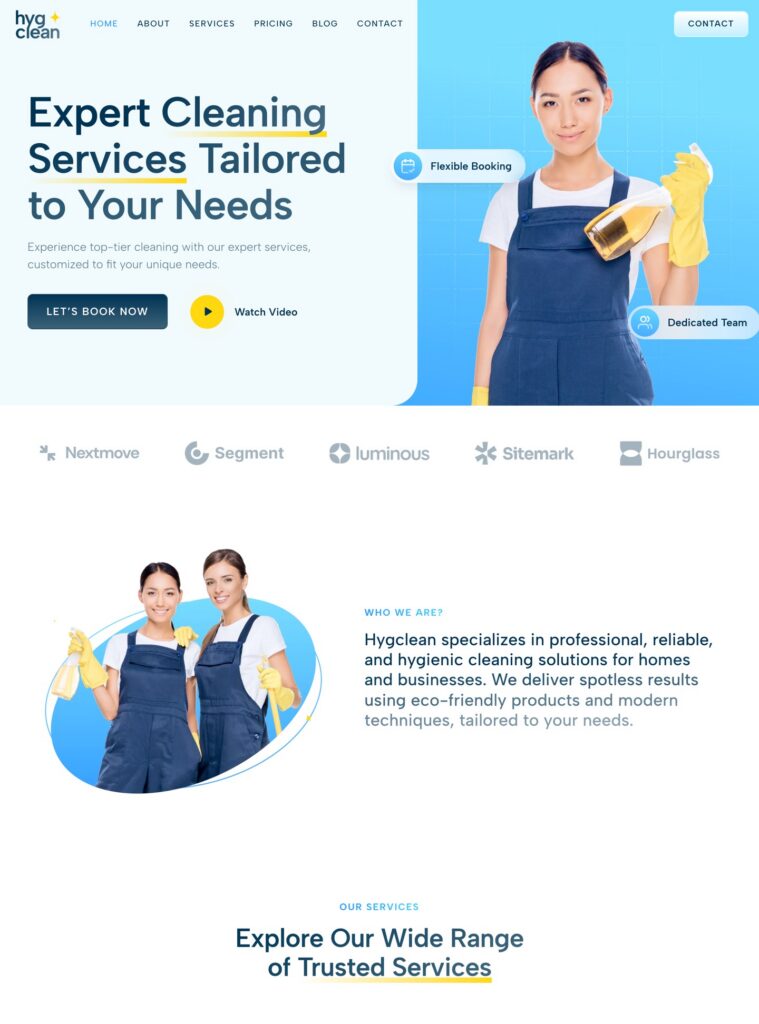
Present home and office cleaning services, explain your process, and make it easy for visitors to request a booking.
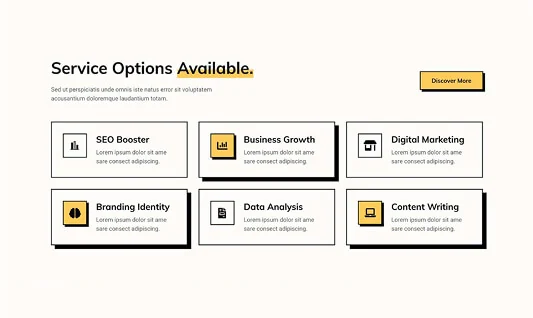
Present consulting services, case studies, and pricing in a clear website designed to introduce your business and its approach.
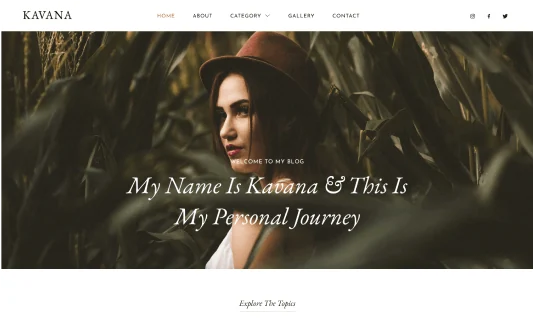
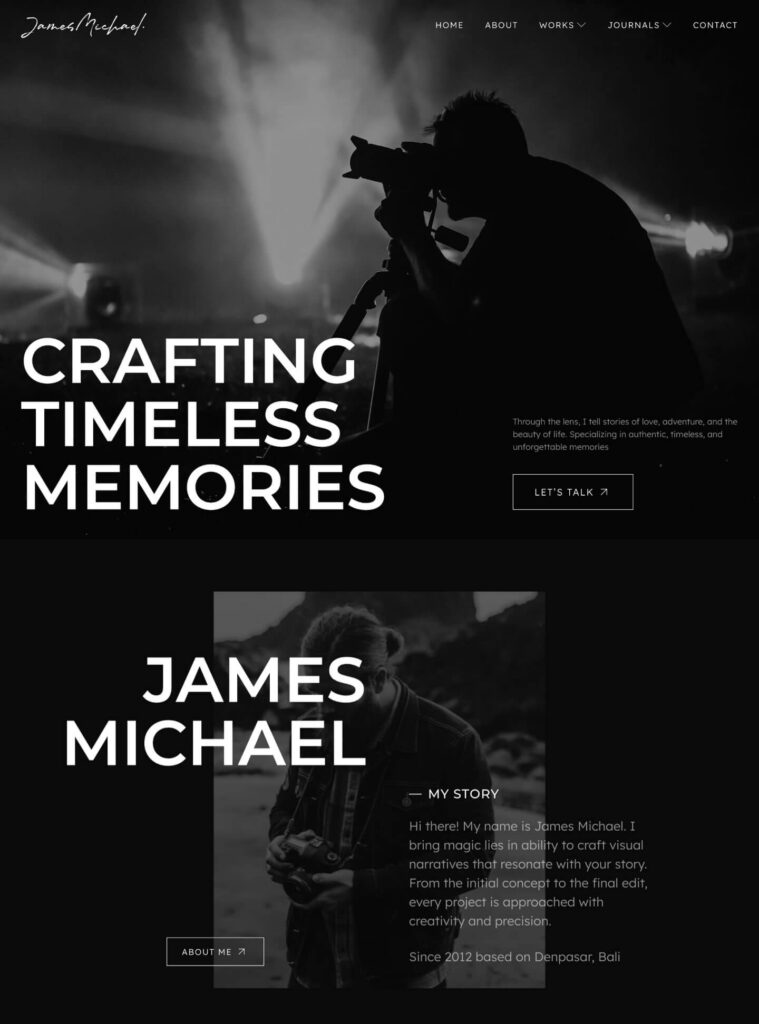
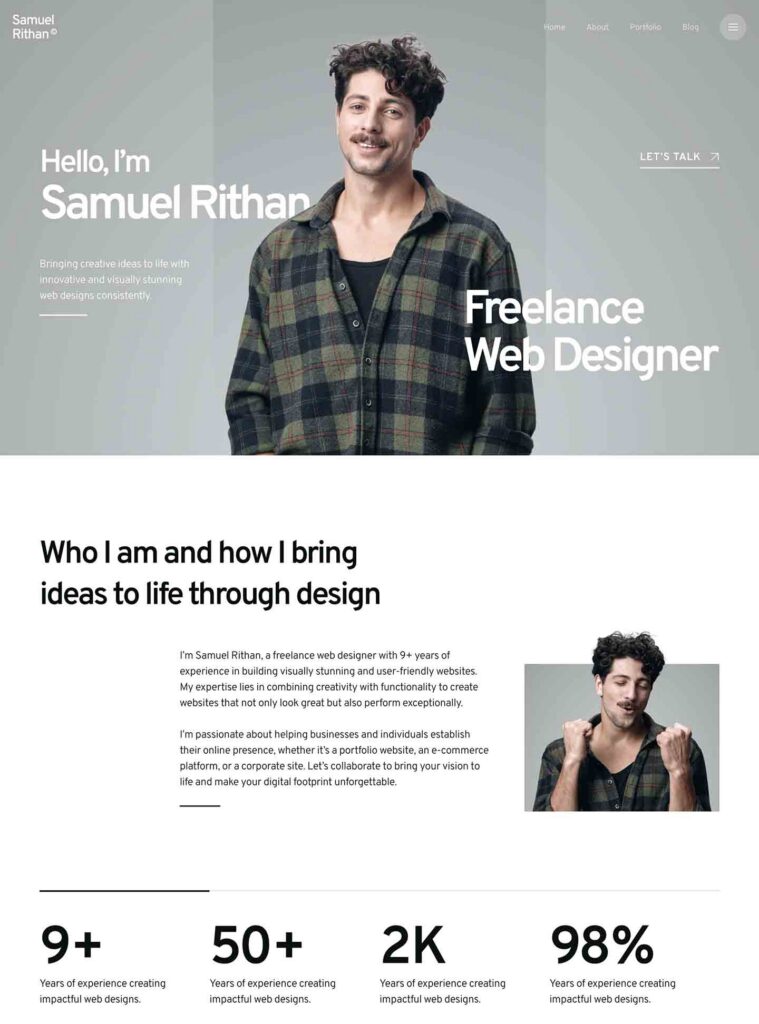
Create a striking portfolio that puts your images, personal story, and creative work at the center of your website.

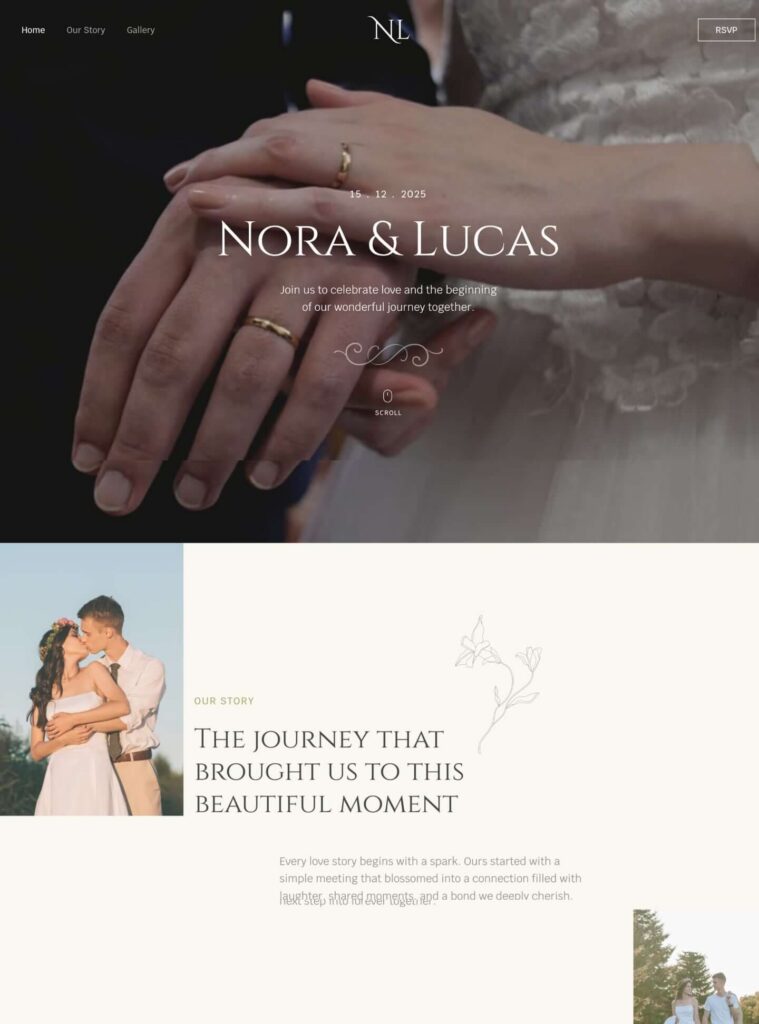
Invite loved ones to celebrate with a wedding website for your story, photo gallery, venue details, and RSVP information.
Introduce your veterinary team, explain pet care services, and guide owners toward booking and contact information.
Present your creative services, selected projects, professional journey, and contact details in a personal portfolio website.

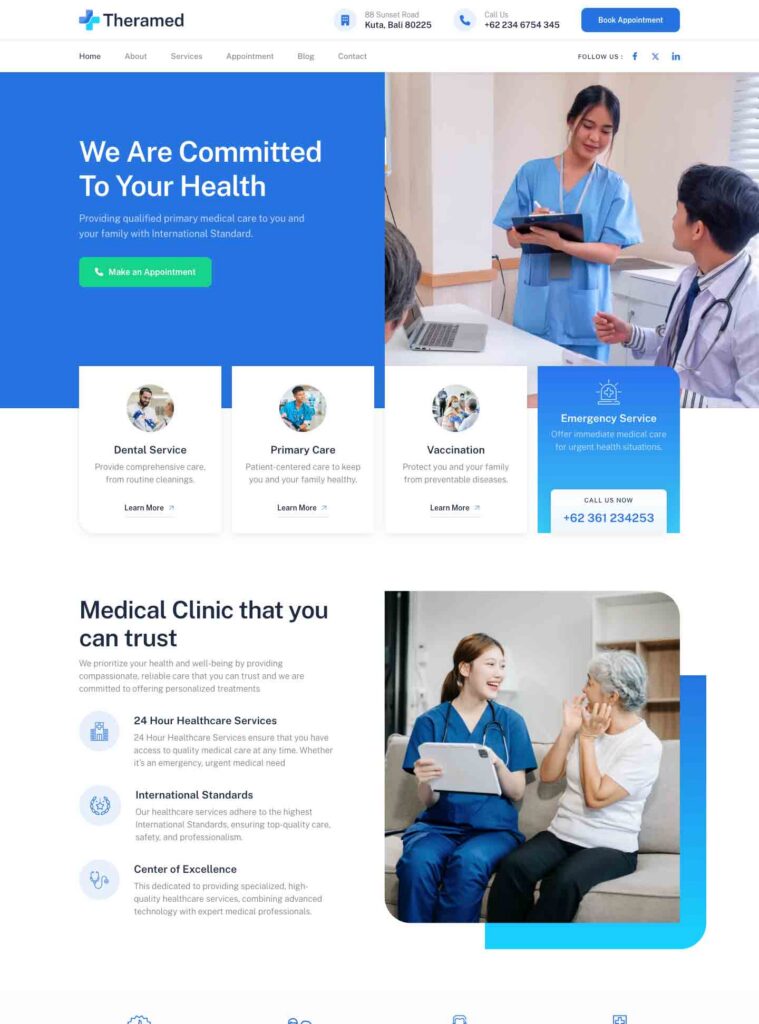
Introduce medical services, share clinic information, and help visitors find the right contact and appointment details.
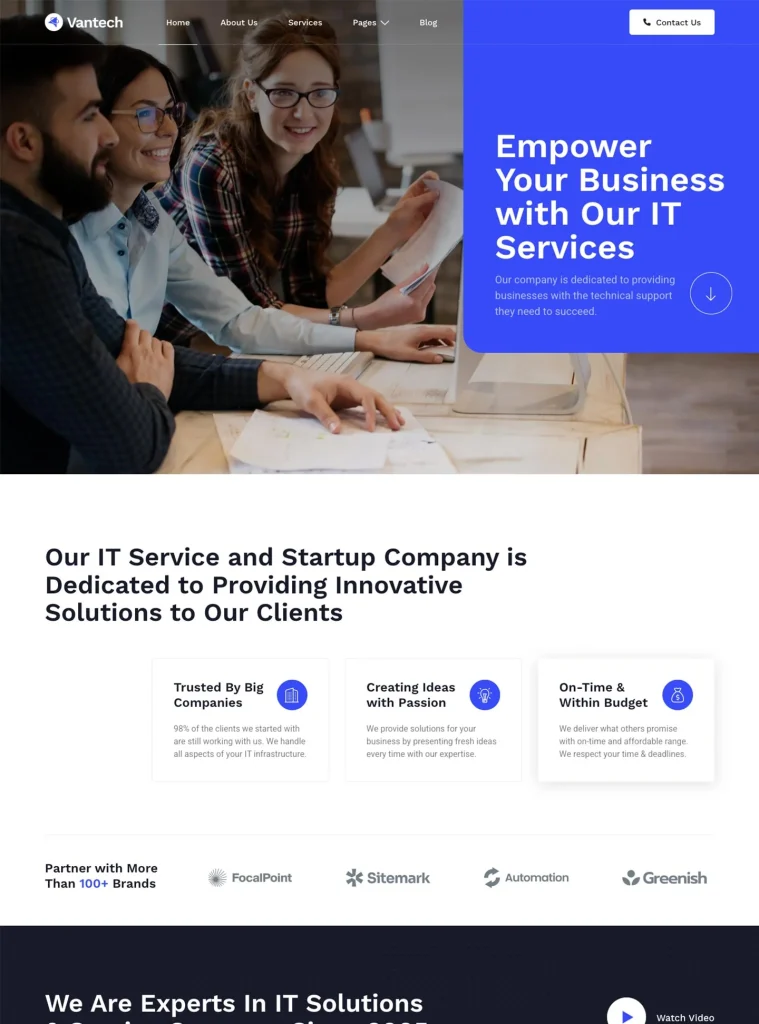
Present IT consulting, development, cloud, and security services with a professional website for your technology business.
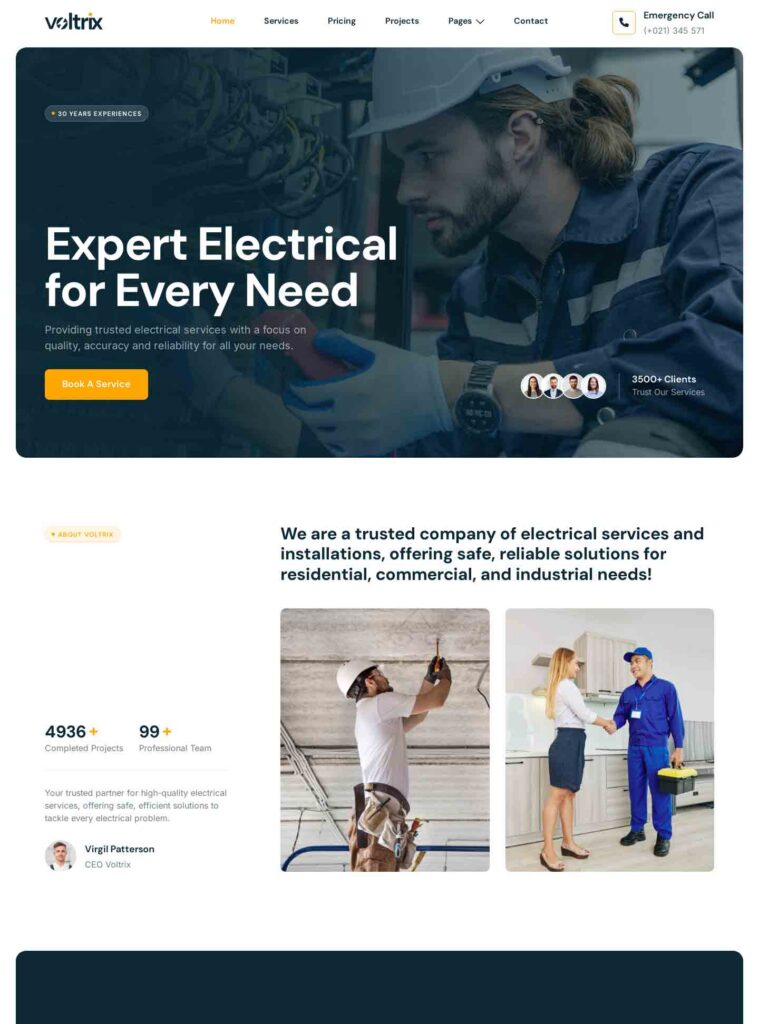
Showcase electrical installations, repairs, and emergency services with a practical website that keeps contact information easy to find.
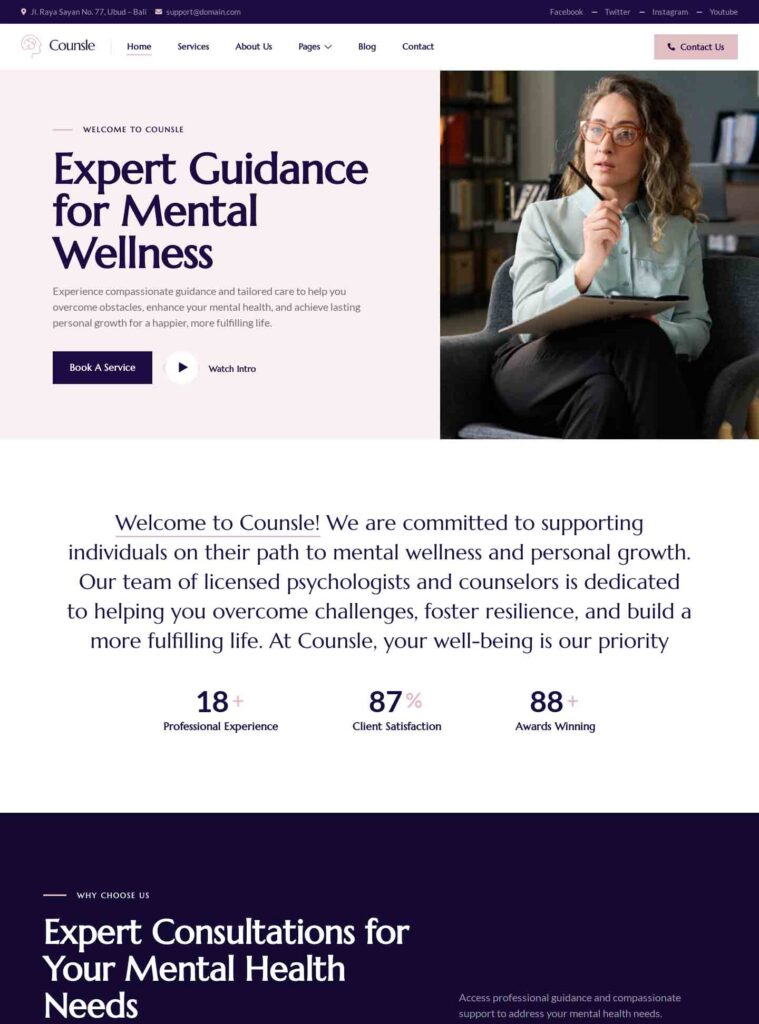
Introduce your approach to mental wellness and self-improvement with a calm website for your practice and services.
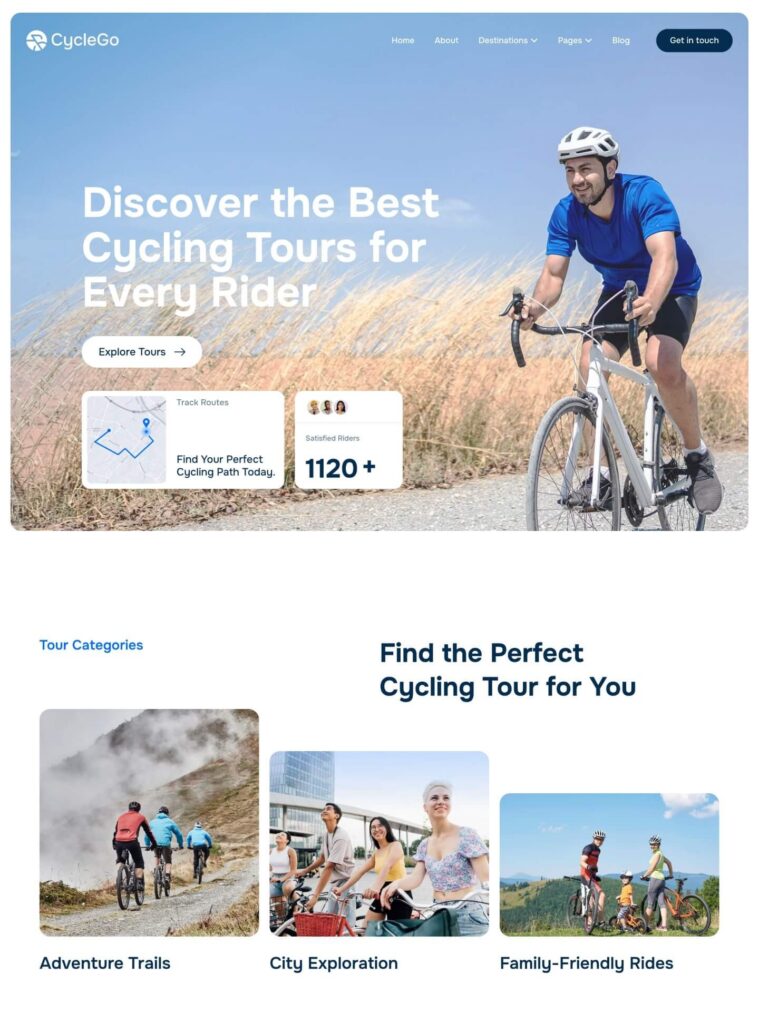
Showcase cycling destinations, tour packages, and the steps to booking an adventure with an engaging travel website.

Read feedback from WordPress users building business websites, portfolios, and blogs with Gutenverse.
Being a local small business owner, I have limited time to work on my website. Gutenverse has helped speed up adding new pages with their simple / easy to add website options. If you’re not a website designer by trade, try it… it’s pretty easy.

This Free Gutenberg plugin is the best. (I have tried a lot until now). I wonder how you can manage it to keep it free, but I am thankful anyway, because I am not a professional site builder.
This was my first time using the FSE and it was simple to create with one of their Startupzy theme. One feature was missing on their popup gallery that I wanted to use. I asked on their support channel, fast responses and the feature was added over a couple of days.
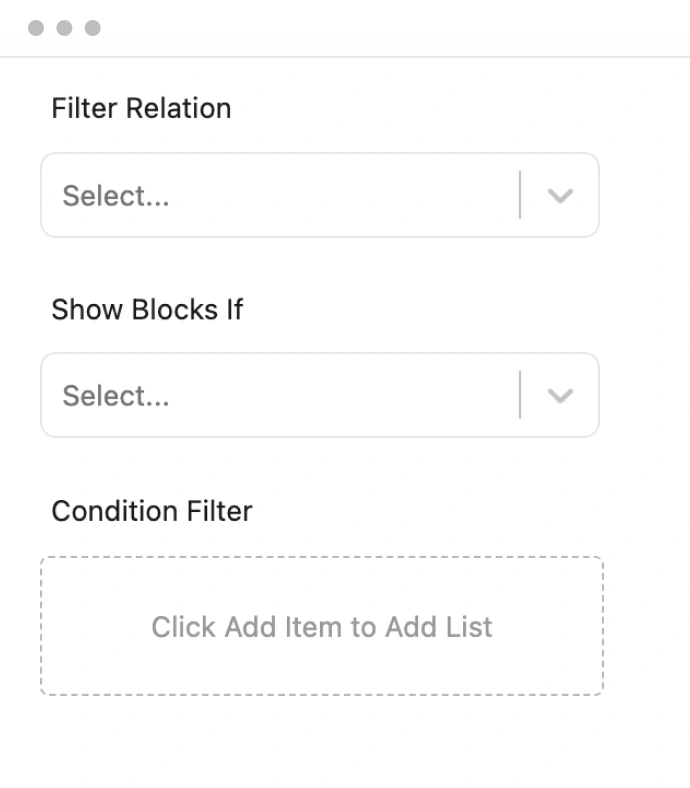
Start with the free Gutenverse plugin. Upgrade when you need advanced blocks, premium templates, display conditions, and additional form and design features. Compare plans to see what is included.


Learn what is free, what PRO adds, which themes to use, and how to get help.

Yes. Gutenverse is a free WordPress blocks plugin and page builder. The free version includes core blocks, starter templates, responsive controls, and global styles. Install it from WordPress.org and upgrade to PRO when you need advanced features.
Gutenverse PRO adds advanced blocks, premium templates, form builder tools, display conditions, and additional design controls. Compare PRO plans to check features and site licenses before choosing a plan.
Use a compatible WordPress block theme to customize your full site with the Site Editor. Unibiz is designed for Gutenverse, and you can explore more designs in our Block Themes catalogue. Imported layouts can be customized with your own content, colors, and typography.
Yes. You can build client websites with Gutenverse. If you use PRO features, choose a plan with enough site licenses for the websites you activate. Compare plans to find the right fit for your projects.


Find setup guides in our documentation, ask a question in the WordPress.org support forum, or contact the Gutenverse team. PRO customers can use the support options included with their plan.