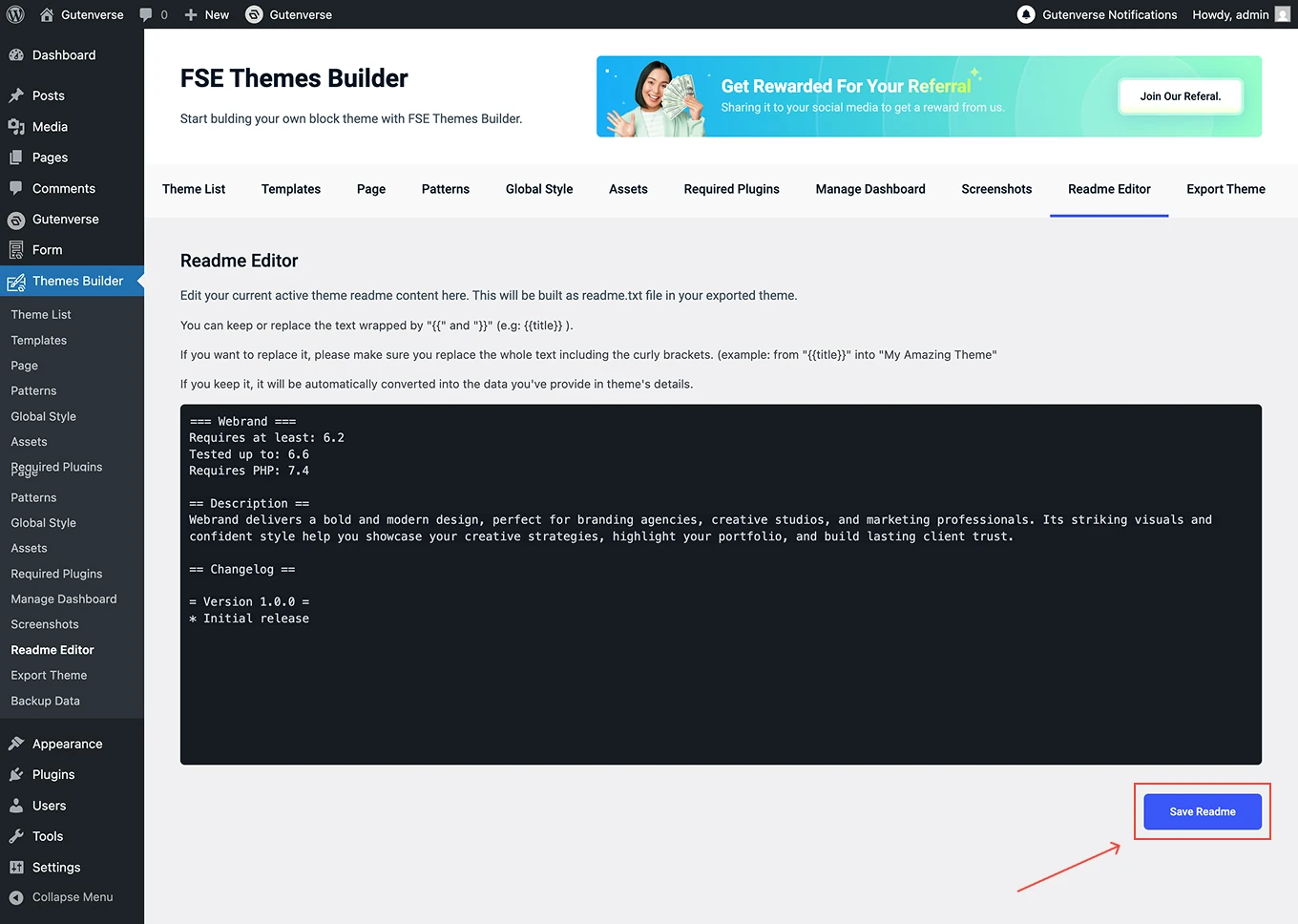

















Last Update: November 25, 2025
This is a place to manage your theme readme content.
You can go to Dashboard → Themes Builder. Then click on the menu Readme Editor:
1.
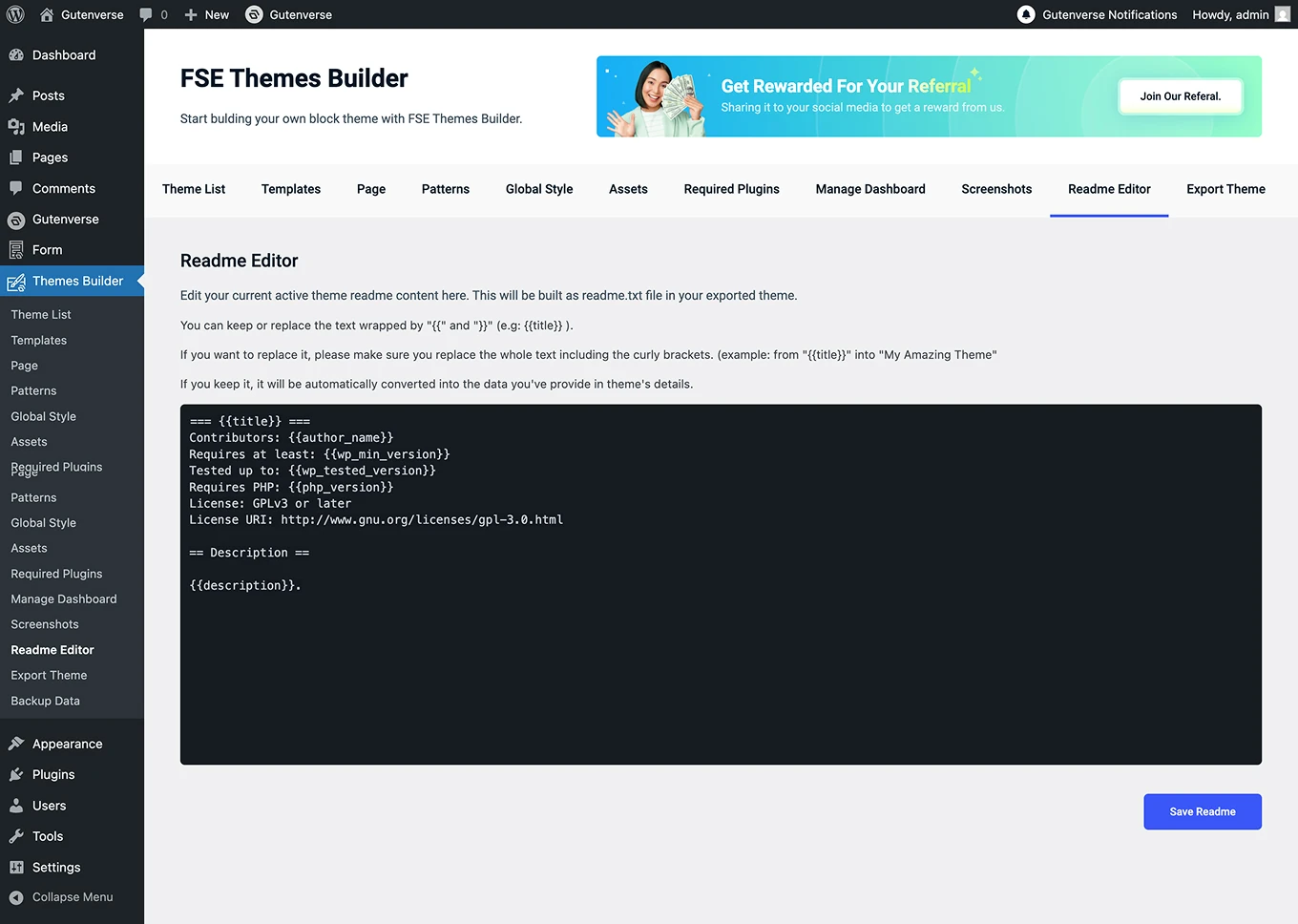
After the menu Readme Editor is clicked, a display like this will appear.
2.
You’ll see placeholders wrapped in {{ and }} (for example: {{title}}). Replace them with your own text. If you do, make sure to replace the whole placeholder, including the curly brackets.
3.
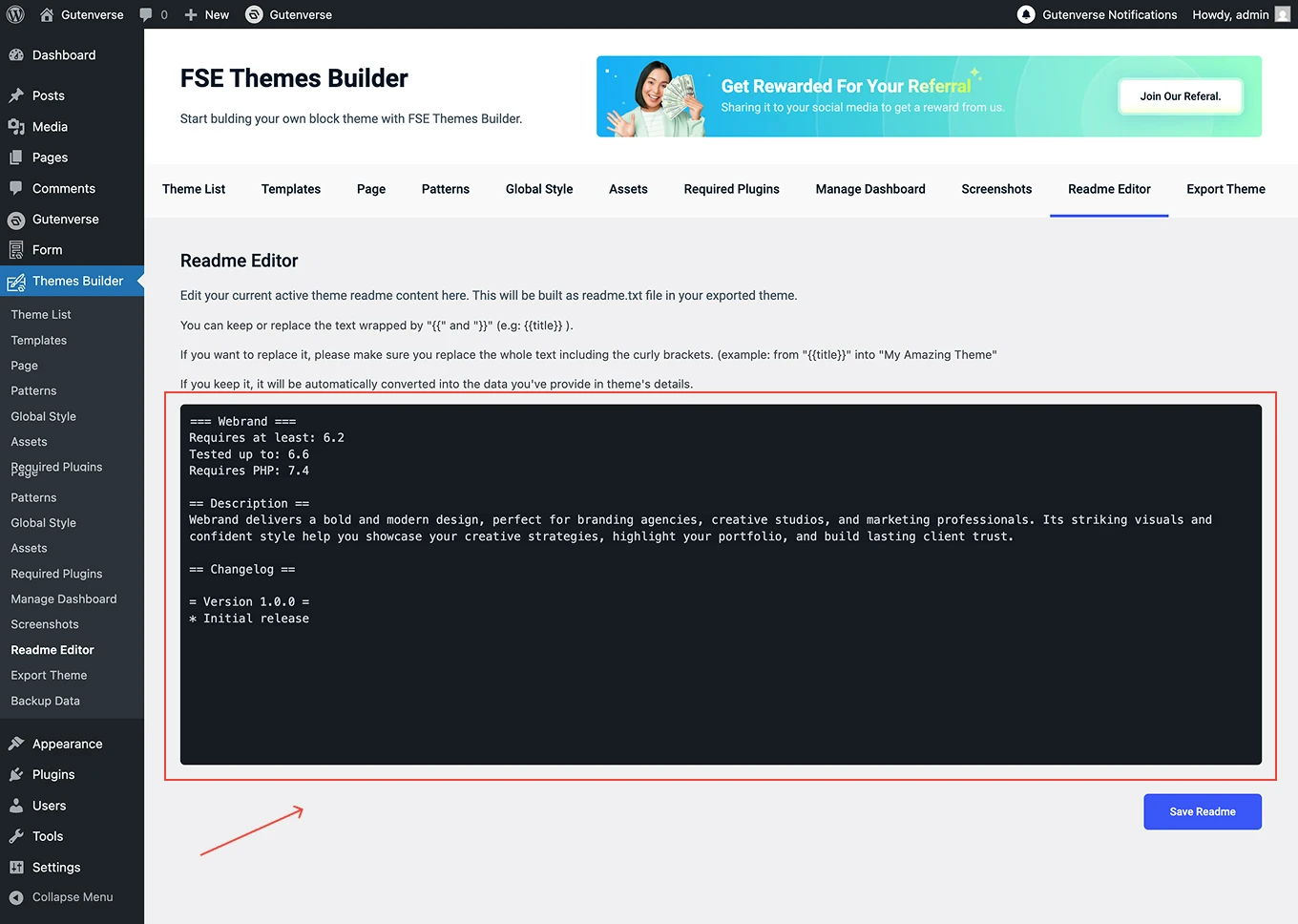
Review the template carefully. You can modify the description or add additional sections as needed.
4.
Once you’re done, click Save Readme. The final readme content will be included in your exported theme automatically.