
















Last Update: November 25, 2025
This is a place to manage your theme Dashboard.
You can go to Dashboard → Themes Builder. Then click on the menu Manage Dashboard:
1.
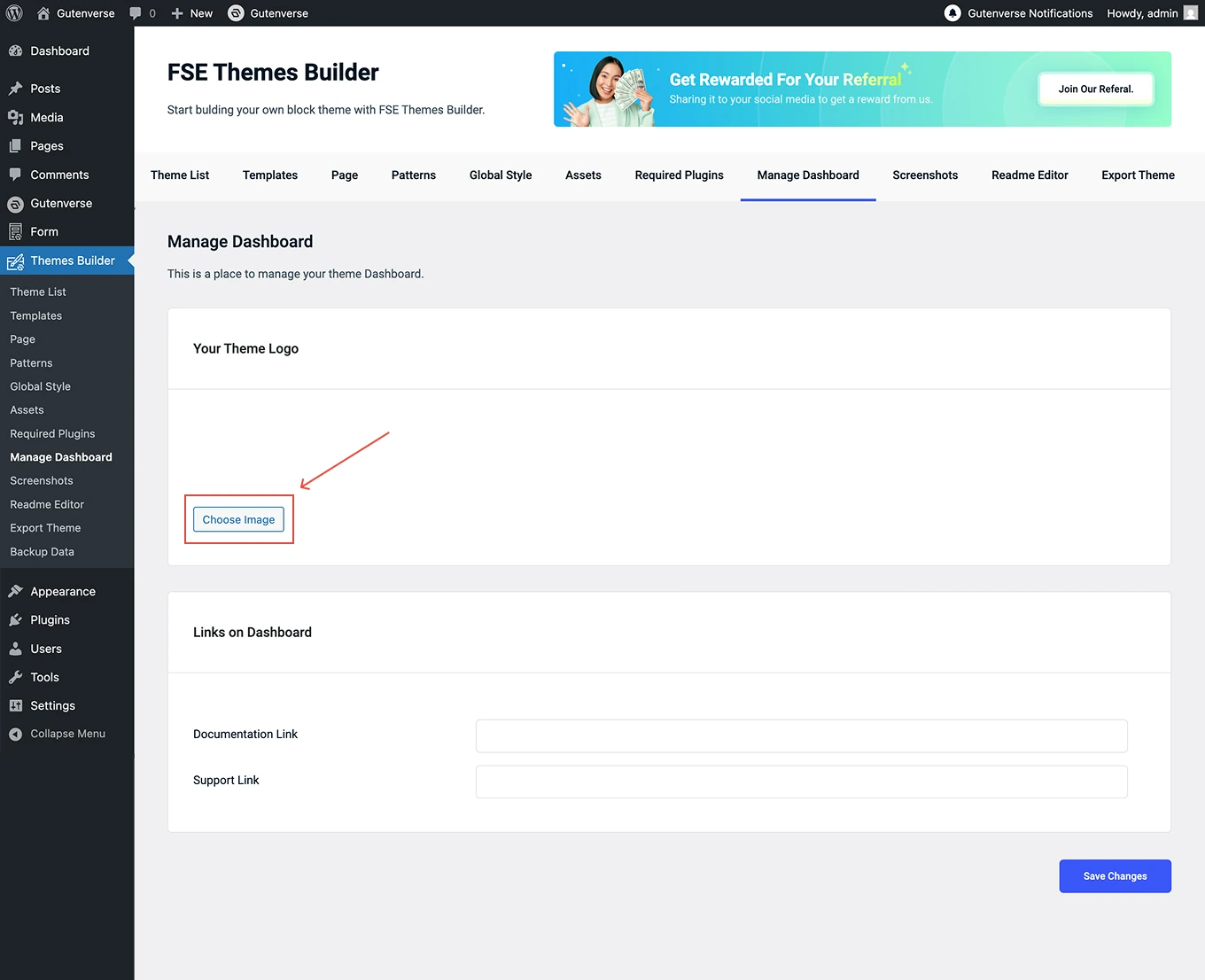
Start by uploading your Theme Logo. Click the Choose Image button, then select the logo you want to display on your theme dashboard.
2.
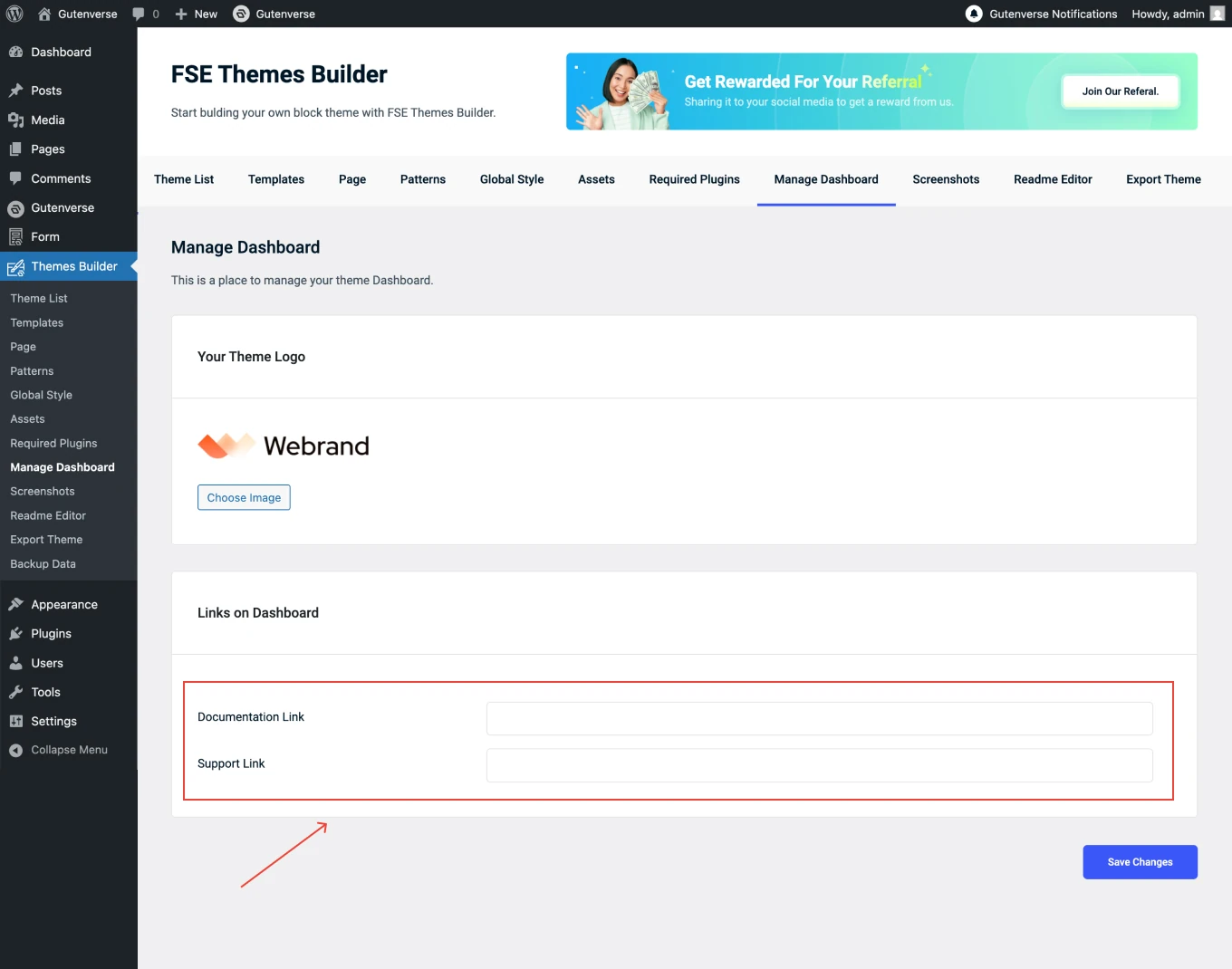
Next, set up your Dashboard Links to help users access important resources easily.
3.
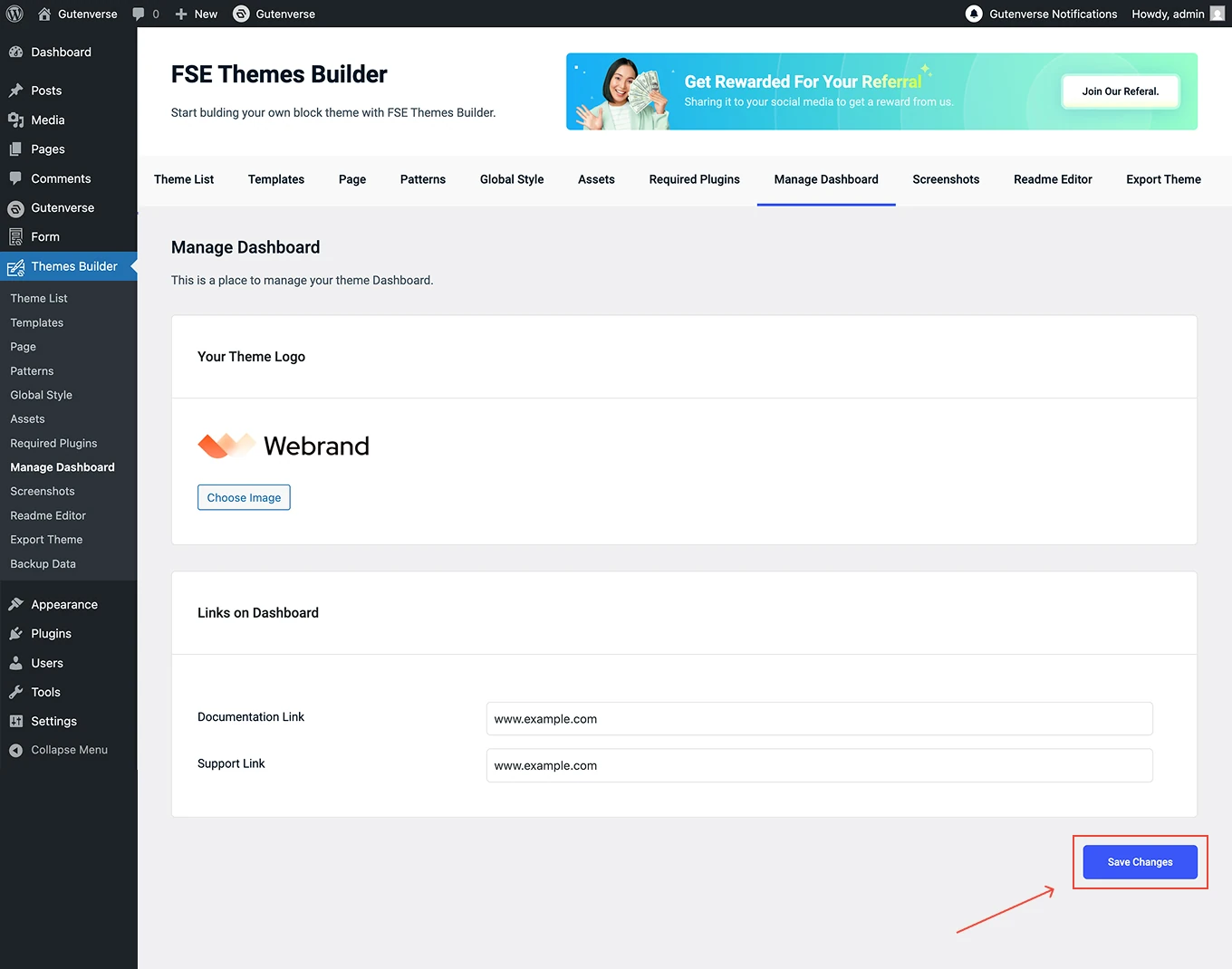
Once everything is set, click Save Changes to apply the updates to your theme dashboard.