
















WordPress 7.0 is set to launch on April 9, 2026. This is one of the biggest updates in years. It focuses on team collaboration, smarter editing tools, and a more modern dashboard. Whether you run a small blog or manage a large content team, these changes are important to understand before the update arrives.
Why WordPress 7.0 Update Matters
WordPress has always been a great tool for individual creators, but teams have faced real limitations within it. Previously, only one person could edit a post at a time. If you wanted to give feedback, you usually had to use a different app or email. Also, the main dashboard has looked mostly the same for over ten years.
WordPress 7.0 fixes these issues. This version brings real time collaboration directly into the editor. It also refreshes the admin interface, makes media uploads faster, and creates a better foundation for AI tools to work together. The goal is to make WordPress work better for everyone, especially the teams and businesses that rely on it every day.
New Design Tools and Editing Controls
WordPress 7.0 brings new blocks and features that give you more control over your website. These updates make it easier to design pages that look great and work perfectly on every device.
The Cover block can now use an external video URL as a looping background. Previously, adding a video background to a section required a third-party plugin.
Also, two helpful new blocks are joining the library:
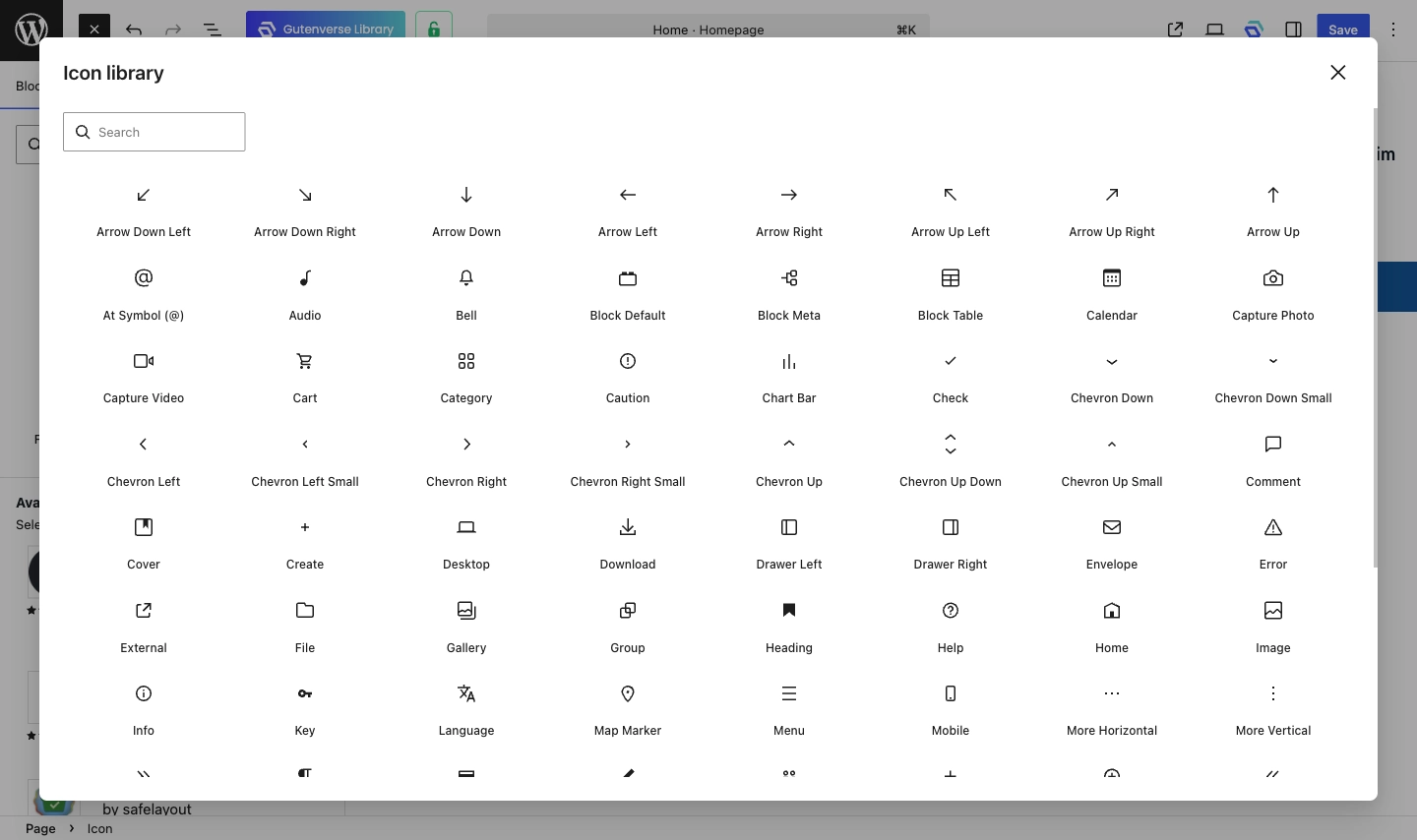
A new Spotlight Mode helps you stay focused by fading out everything except the block you are currently editing. This is particularly useful when working on long or complex layouts. You can also add custom CSS to single blocks right from the settings panel. For the first time, you can even choose to show or hide specific blocks only on mobile or desktop directly from the editor.
Real-Time Collaboration in the Editor
Previously, when two people tried to edit the same post at the same time, WordPress would warn the second user and lock them out from making changes. This caused delays and made it hard for teams to work together efficiently. WordPress 7.0 removes this restriction completely.
Now, multiple users can open and edit the same post at the same time. When one person changes a block, everyone else on that post sees the update instantly without needing to refresh their screen. A quick visual highlight shows exactly which part was just changed. This helps everyone stay on the same page and keeps the document organized as the team works.
More Responsive Editing
WordPress 7.0 brings a meaningful step forward for responsive design. Users can now control which blocks appear on specific screen sizes by showing or hiding content for mobile, tablet, or desktop directly from the editor. Previously, achieving this kind of layout control required writing custom CSS or relying on a third-party page builder plugin.
The ability to manage device-specific layouts directly in the editor empowers every user, regardless of their technical background. It eliminates extra steps in the workflow and lets the people actually writing the content stay in control of how it looks.
Better Heading Controls
Using the right headings (like H1, H2, or H3) is important. It helps people scan your page quickly and helps search engines understand what you wrote. WordPress 7.0 makes it much faster to get this structure right.
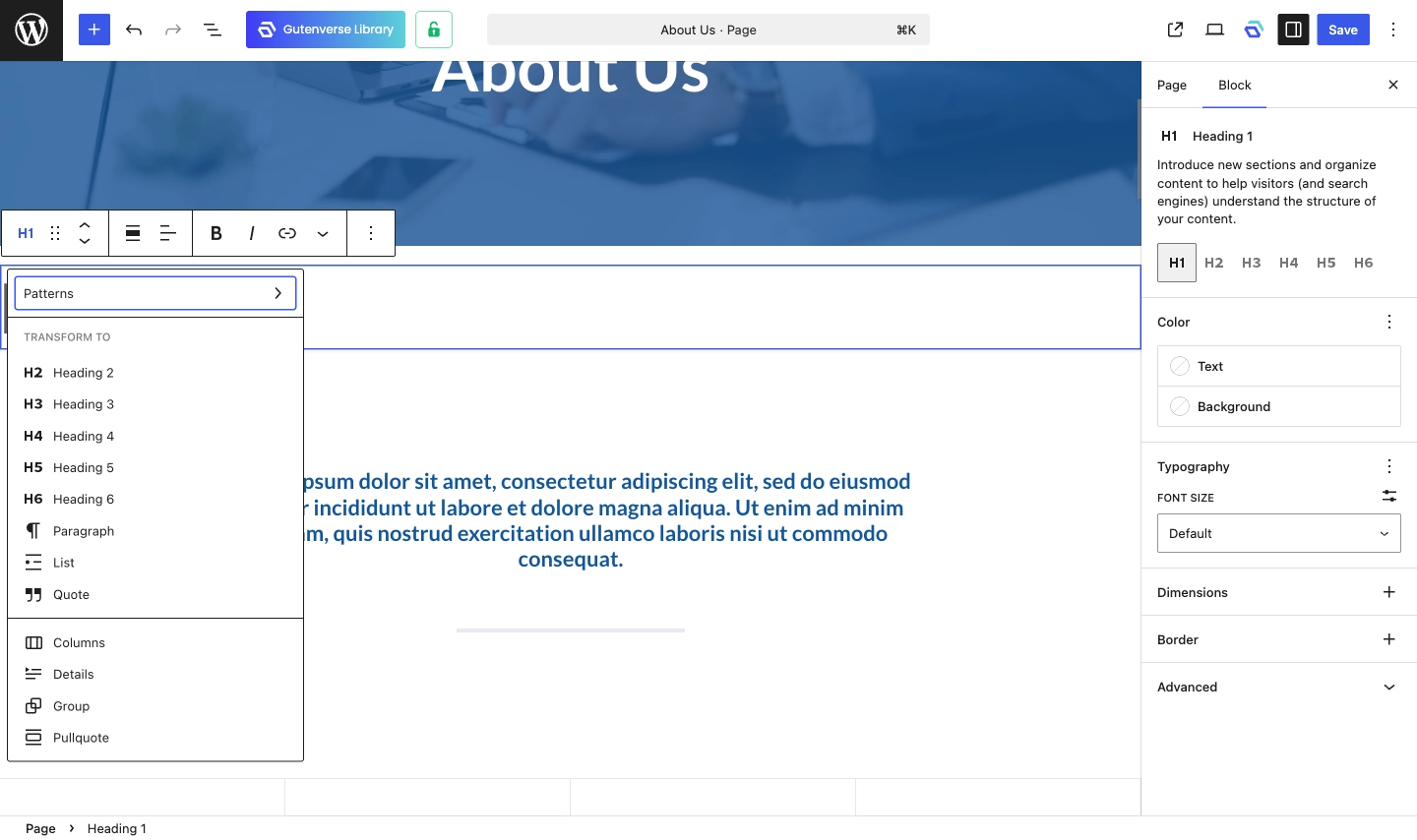
Now, every heading level is its own button. Instead of opening a slow menu to change a heading, you can just click the exact level you need right from the toolbar or sidebar.
It’s a small update, but it makes a big difference. When the headings are organized correctly, your content is easier for people to read and easier for search engines to find.
A Shared Infrastructure for AI Tools
WordPress 7.0 doesn’t come with its own built-in AI writing assistant. Instead, it introduces a shared system that helps different AI tools work together in a more organized way. This ensures that AI features from different developers can connect to WordPress consistently rather than working completely on their own.
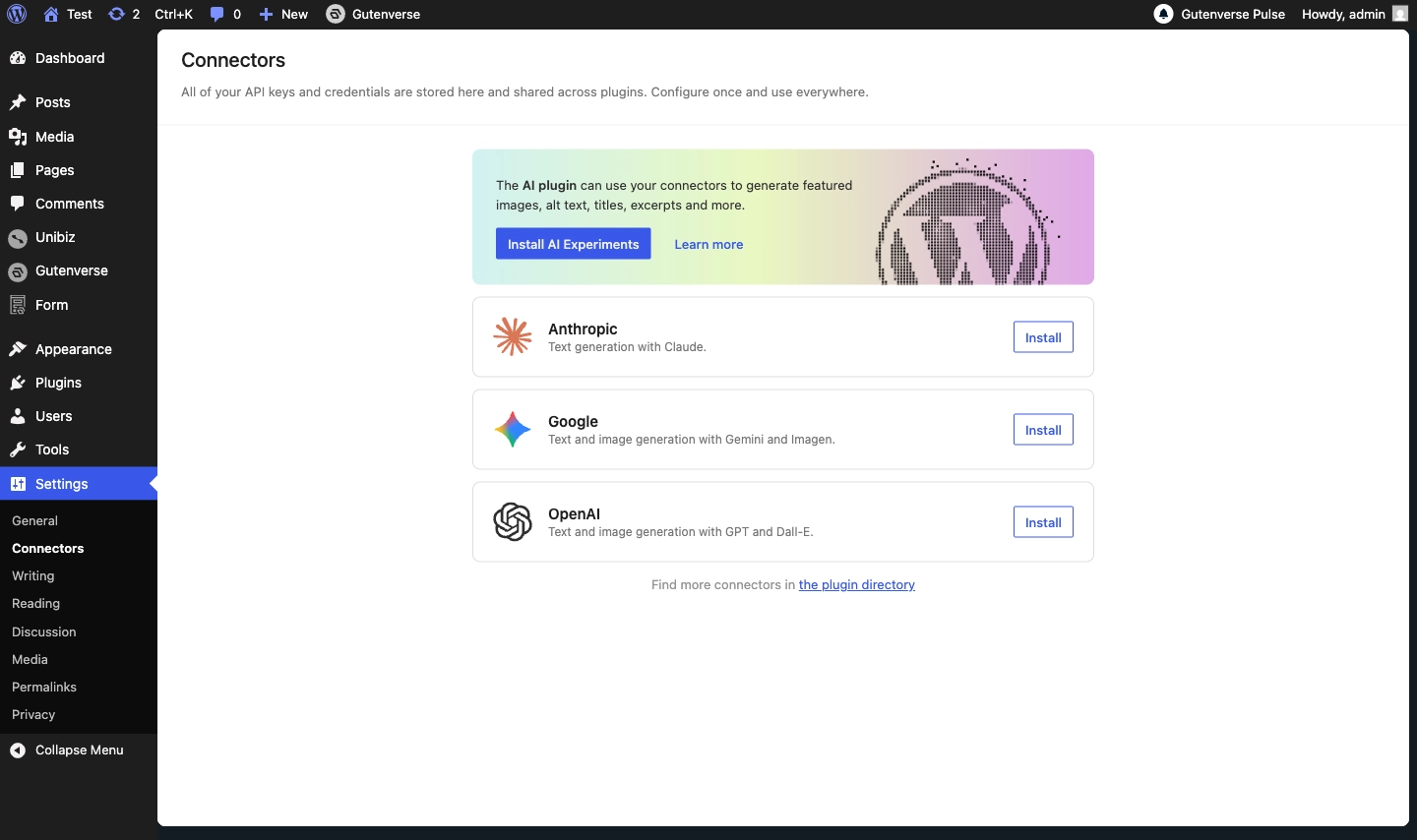
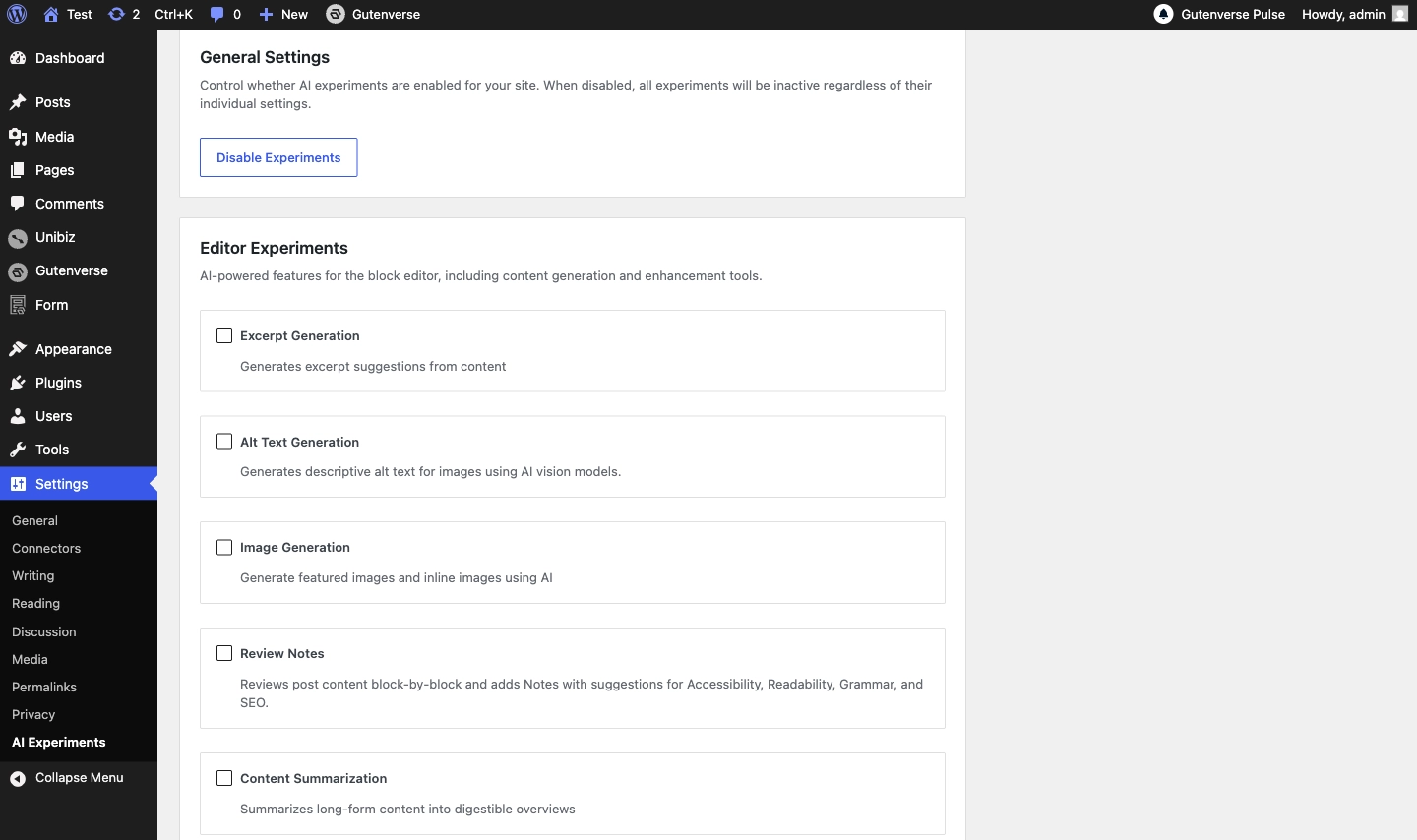
A new feature called the Abilities API acts as a communication bridge between WordPress and outside AI services. Plugin developers can use this bridge to list exactly what their tools are able to do. This allows multiple AI features to run at the same time without interfering with each other. Right now, it is common for two different AI plugins to clash because they both try to control the same WordPress functions at once. The Abilities API solves this by giving every plugin a standard way to share its capabilities.
No New Default Theme This Release
WordPress has typically released a new default theme alongside each major version. WordPress 7.0 doesn’t follow that pattern. The team made a careful choice to focus on improving the current block themes instead of introducing a new one. Twenty Twenty-Five will remain the default theme for now.
This decision allows the development team to spend more time on the editing tools and platform features that help every theme. Instead of putting all their effort into a single new design, they are focusing on improvements that benefit everyone who uses WordPress.
Final Thoughts
WordPress 7.0 is more than just a regular update. It represents a major shift in how the platform works for teams and modern creators. By bringing in real time collaboration and a faster admin dashboard, WordPress is finally catching up to the way we work today.
The focus this time is clearly on quality over quantity. Instead of a flashy new theme, the developers chose to perfect the tools we already use. Features like browser side image processing and the new Abilities API for AI tools show that the platform is prioritizing speed and future proofing.
WordPress is moving in an exciting new direction with its next major release. When WordPress 7.0 officially launches on April 9, 2026, it will bring a much-needed focus on better collaboration and a stronger technical foundation. This update marks a fresh chapter for WordPress, making it a more powerful and professional tool for everyone.