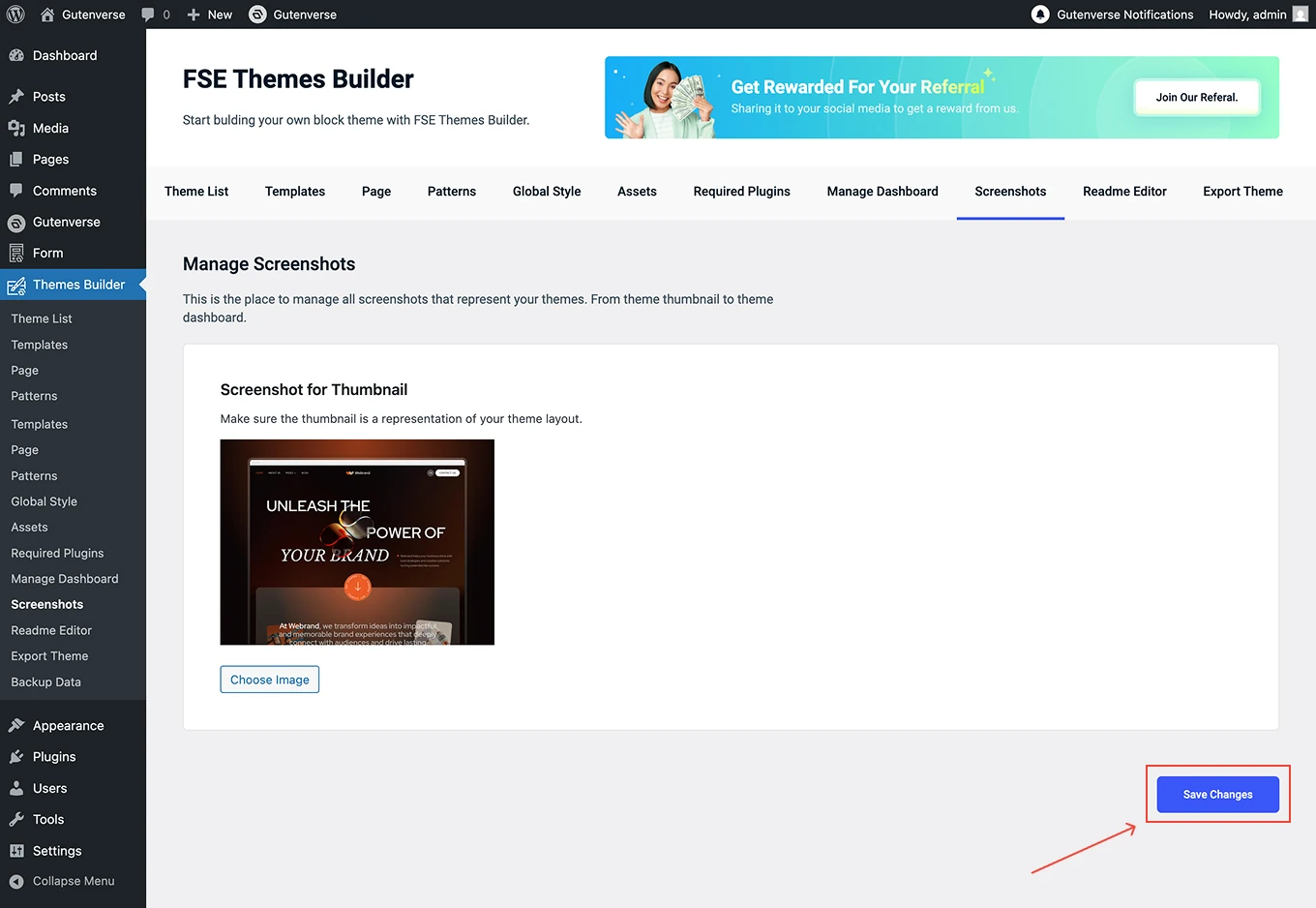
















This is the place to manage all screenshots that represent your themes. From theme thumbnail to theme dashboard.
You can go to Dashboard → Themes Builder. Then click on the menu Screenshot:
1.
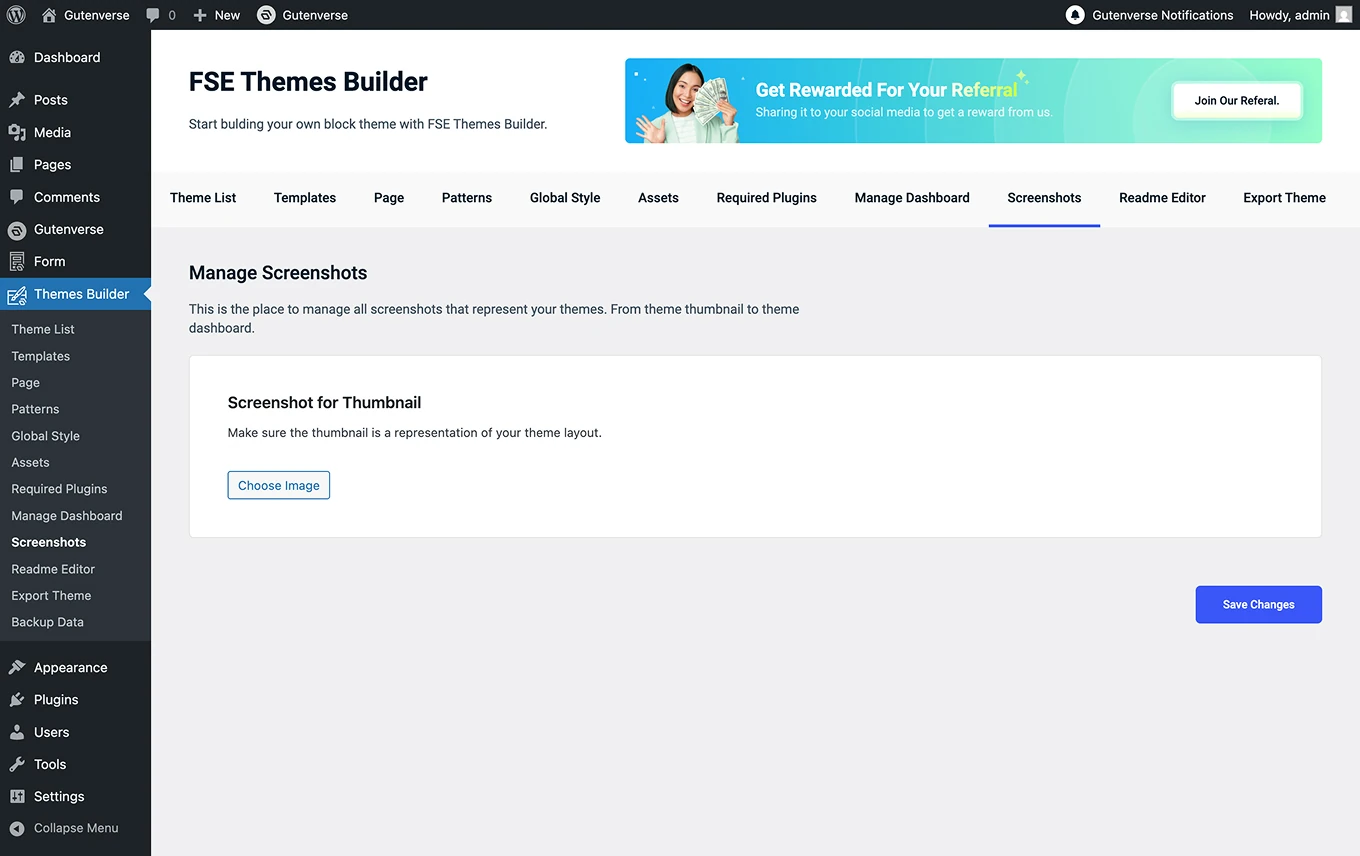
After the menu Screenshot is clicked, a display like this will appear.
2.
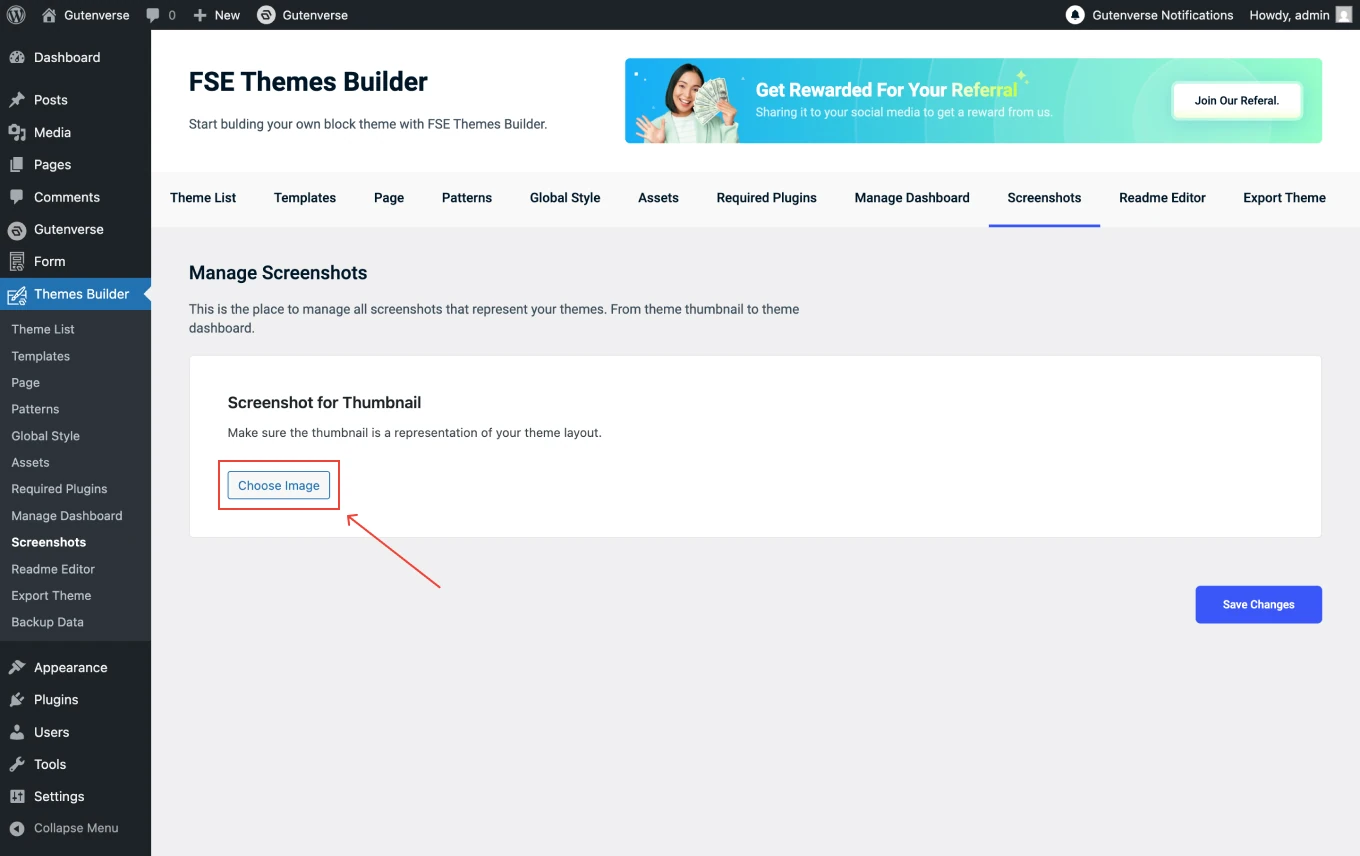
Upload your screenshot to use as the thumbnail. Click the Choose Image button, then select the image you want to display as the thumbnail. Make sure the thumbnail accurately represents your theme layout.
3.
Once you’ve uploaded your screenshots, click Save Changes to apply them.