















We respect your privacy and won’t spam you.
Introducing Hygclean
Present home and office cleaning services, explain your process, and make it easy for visitors to request a booking.
Hygclean is a Gutenverse WordPress theme for cleaning services. Service sections, pricing, customer testimonials, and booking content help cleaning businesses communicate their offer clearly. Adapt the layouts and content to your brand using the WordPress block editor.
Global Features
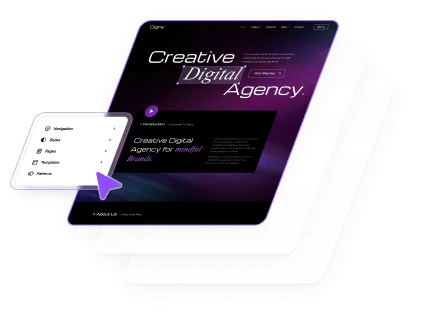
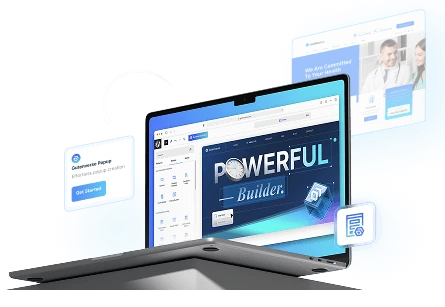
Bring your website to life with visual WordPress block editor, flexible layouts, and design controls that help you make it your own.
- Visual WordPress Block EditingBuild and edit pages with Gutenverse blocks in the WordPress editor. See your changes as you shape your website.
- Responsive Layout ControlsFine-tune layouts for desktop, tablet, and mobile to keep your content clear and easy to explore across screen sizes.
- Make It Your BrandPersonalise colours, typography, backgrounds, and spacing to create a consistent look that reflects your business or creative style.
- Easy Template ImportStart with a prebuilt website design, import the available template content, then personalise the text, images, and styling to make it your own. Template availability depends on your theme and plan.
- Flexible Blocks and SectionsCombine and rearrange blocks to present your services, showcase your work, and build pages around the content your visitors need.
- Room to Grow with PROExtend your website with Gutenverse PRO for advanced design controls, dynamic content, and more powerful forms and popup options.
How To Use This Theme
Set up Hygclean with Gutenverse PRO and an eligible license. Follow the steps below to install the theme, import its available demo content, and make the design your own.
- Choose a Gutenverse PRO plan that includes Hygclean. Check the license requirements in Theme Information before downloading.
- Download the Hygclean theme ZIP from the download page or your account. In WordPress, go to Appearance → Themes → Add New → Upload Theme, upload the ZIP, and activate the theme.
- Install and activate Gutenverse and Gutenverse PRO, then activate your eligible license for this website.
- Open the demo importer or template library provided by the theme and Gutenverse. Find the available design for Hygclean and review its required plugins before importing.
- If demo import is available, install the plugins listed for that demo, choose the content and settings you need, and start the import. Keep the window open until it finishes. You can also build pages directly with blocks.
- Open Appearance → Editor to customise the site templates, navigation, and styles available in your theme. Edit individual pages under Pages, then replace the sample text, images, and logo with your own.
- Set your homepage and menus, check links and forms, and preview the website on desktop, tablet, and mobile before publishing your changes.

PRO

Showcase electrical installations, repairs, and emergency services with a practical website that keeps contact information easy to find.

PRO
Showcase garden design, landscaping, and maintenance services with a welcoming website inspired by green spaces.
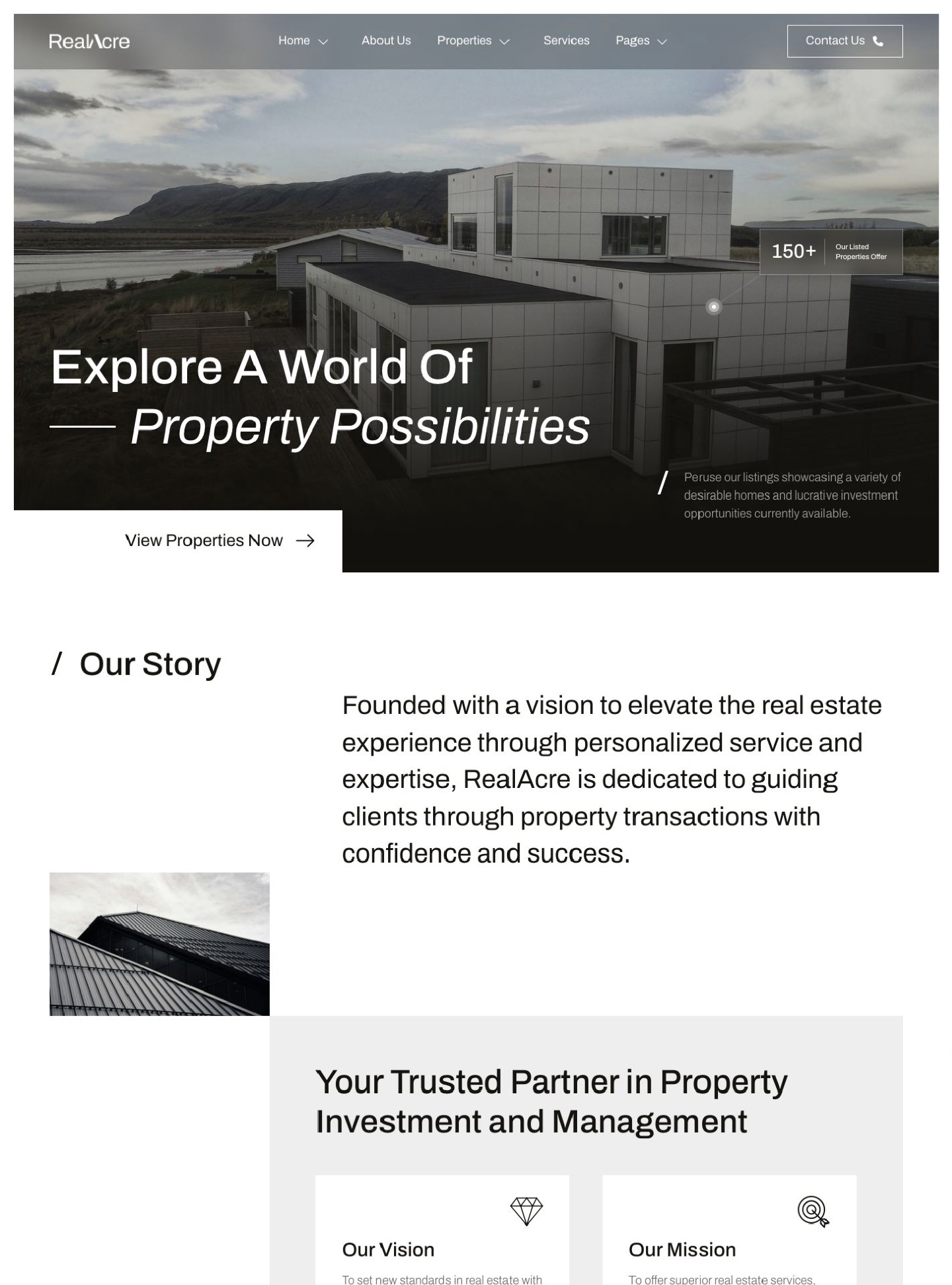
RealAcre is a WordPress block theme for real estate agencies and property businesses, using striking architectural photography and a restrained monochrome design. Present your…