












 Things to Know


We respect your privacy and won’t spam you.
Environment & Ecology NGO WordPress Block Theme - EcoPeace
Designed for environmental NGOs, ecology foundations, conservation groups, and community campaigns.

Introducing EcoPeace
EcoPeace is a WordPress block theme for environmental NGOs, ecology foundations, and conservation campaigns. Nature photography, green tones, and orange accents give your mission a clear visual identity. Present your projects, introduce your organization, and invite supporters to take part with layouts you can customize in the WordPress block editor and Gutenverse.
The EcoPeace demo brings together environmental campaign cards, an organization story, partner logos, impact counters, and volunteer calls to action. Its Green Planet, Green Energy, Clean Beach, and Free River examples show how to present different causes within one website. Adapt the sample content to your own activities, add real project results, and connect each call to action to your volunteer, enquiry, or donation workflow.
Who This Theme Is For
EcoPeace is designed for environmental NGOs, ecology foundations, conservation groups, and community campaigns. It suits organizations that need to explain their mission, showcase environmental projects, introduce partners, and encourage volunteer participation. The demo centers on environmental education and action, with campaign sections for cleaner beaches, rivers, greener energy, and the planet.
Pages and Layouts
The EcoPeace demo navigation includes Home, About Us, Campaign, Campaign Detail, FAQ, Gallery, Volunteer, News, and Contact Us. The homepage combines a photographic campaign hero, an organization story, research and education highlights, partner logos, impact counters, campaign cards, volunteer invitations, and news updates. Use the campaign detail layout to explain a specific initiative and the gallery to show your work. Replace sample figures and stories with your own information, then connect the volunteer and donation buttons to the services your organization uses.
Things to Know
A quick overview of the demo content, requirements, customization options, and other details to help you get the most from your setup.
What’s Included in the Import?
EcoPeace provides a demo-import starting point for its WordPress block layouts. Review the available pages in the supplied importer before choosing what to import. Demo text, imagery, counters, and campaign examples are sample content that you should replace with your own material. The theme and demo layouts provide the website presentation; importing them does not set up payment processing, mailing-list delivery, or volunteer management.
Requirements & License
Install EcoPeace on WordPress and activate Gutenverse and the plugins requested by the theme setup or selected demo importer. Check Theme Information for the configured compatibility requirements. EcoPeace is available as a standalone ThemeForest purchase; review the license and support terms on its product page before purchasing, then download the installation files from the account used for your purchase. Any optional Gutenverse PRO features or third-party donation and email services follow their own license and account requirements.
Editing & Customisation
Use Appearance → Editor to customize EcoPeace’s shared header, footer, templates, and global styles. Edit imported pages in the WordPress block editor and adjust Gutenverse blocks for your campaign text, images, colors, spacing, and responsive layouts. Start with the mission statement and campaign cards, then update partner logos, impact figures, contact details, and volunteer information. Replace placeholder links, connect forms and newsletter services, and test the finished site on desktop, tablet, and mobile.
Is EcoPeace Right for Your Website?
Choose EcoPeace if your organization needs an environmental NGO website built around campaigns, conservation stories, partner recognition, and volunteer participation. Compare the demo’s photographic layouts and campaign structure with the content you plan to publish. Donation buttons and campaign calls to action are presentation elements; accepting payments, managing donors, or registering volunteers requires your own connected service or suitable plugin.
Key Features
- Environmental campaign overview and detail layouts
- Organization story and partner showcase
- Impact counters and environmental priority sections
- Volunteer invitations and dedicated volunteer page
- Gallery, news, FAQ, and contact layouts
- Full Site Editing with WordPress and Gutenverse
- Responsive design with customizable colors and typography
Global Features
Bring your website to life with visual WordPress block editor, flexible layouts, and design controls that help you make it your own.
- Visual WordPress Block EditingBuild and edit pages with Gutenverse blocks in the WordPress editor. See your changes as you shape your website.
- Responsive Layout ControlsFine-tune layouts for desktop, tablet, and mobile to keep your content clear and easy to explore across screen sizes.
- Make It Your BrandPersonalise colours, typography, backgrounds, and spacing to create a consistent look that reflects your business or creative style.
- Easy Template ImportStart with a prebuilt website design, import the available template content, then personalise the text, images, and styling to make it your own. Template availability depends on your theme and plan.
- Flexible Blocks and SectionsCombine and rearrange blocks to present your services, showcase your work, and build pages around the content your visitors need.
- Room to Grow with PROExtend your website with Gutenverse PRO for advanced design controls, dynamic content, and more powerful forms and popup options.
How To Use This Theme
Purchase EcoPeace as a standalone theme, then install it in WordPress and customise the available demo with Gutenverse.
- Choose a purchase option above and review its license terms. Download the theme ZIP from the account used for your purchase.
- In WordPress, go to Appearance → Themes → Add New → Upload Theme. Upload the theme ZIP and activate it.
- Install and activate the plugins required by the selected demo, then follow the setup instructions supplied with your purchase.
- Open the demo importer or template library provided by the theme and Gutenverse. Find the available design for EcoPeace and review its required plugins before importing.
- If demo import is available, install the plugins listed for that demo, choose the content and settings you need, and start the import. Keep the window open until it finishes. You can also build pages directly with blocks.
- Open Appearance → Editor to customise the site templates, navigation, and styles available in your theme. Edit individual pages under Pages, then replace the sample text, images, and logo with your own.
- Set your homepage and menus, check links and forms, and preview the website on desktop, tablet, and mobile before publishing your changes.
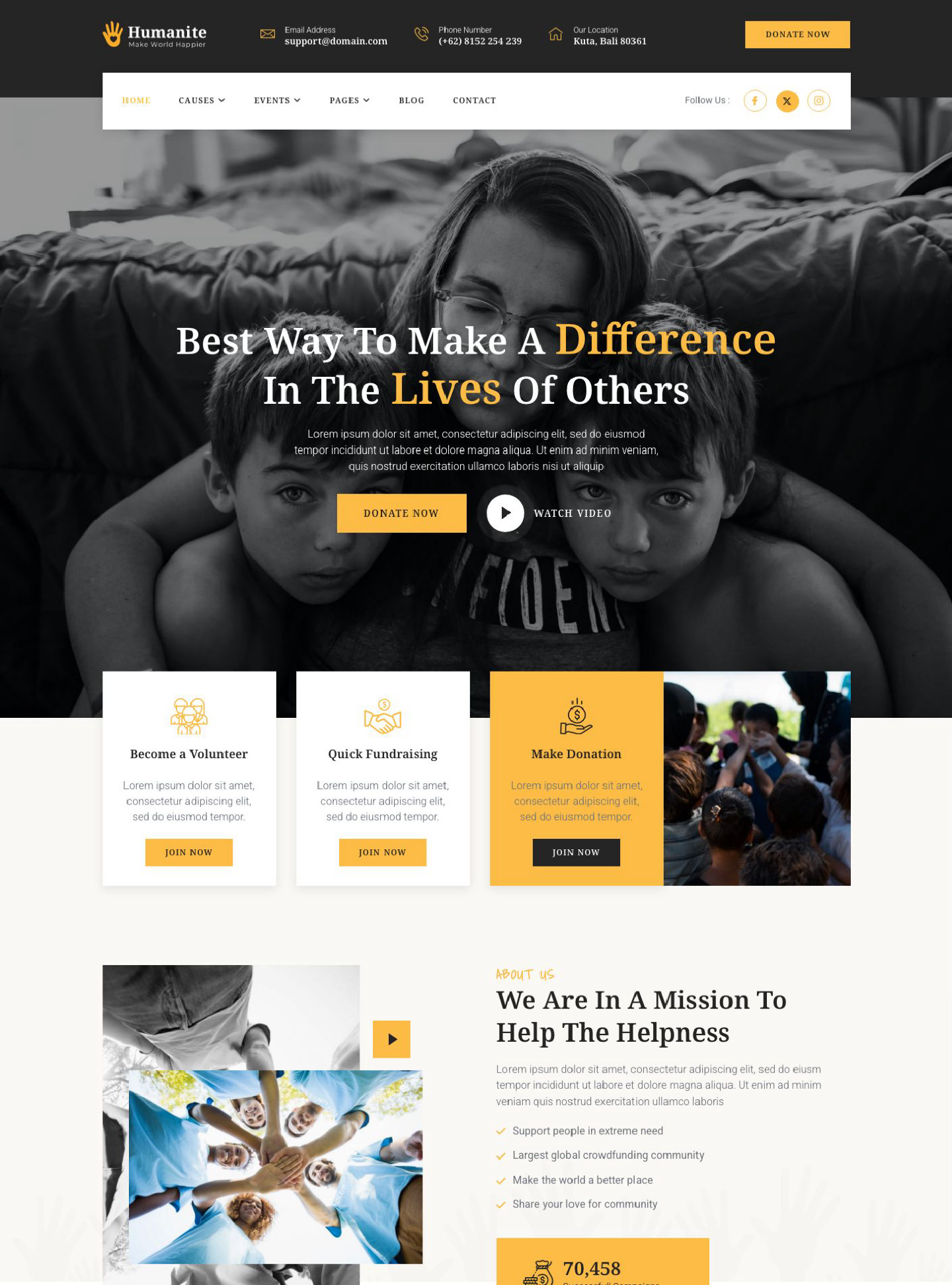

Humanite is a WordPress block theme for charities and nonprofit organizations, using heartfelt photography, warm yellow accents, and clear cause-focused layouts. Explain your cause…
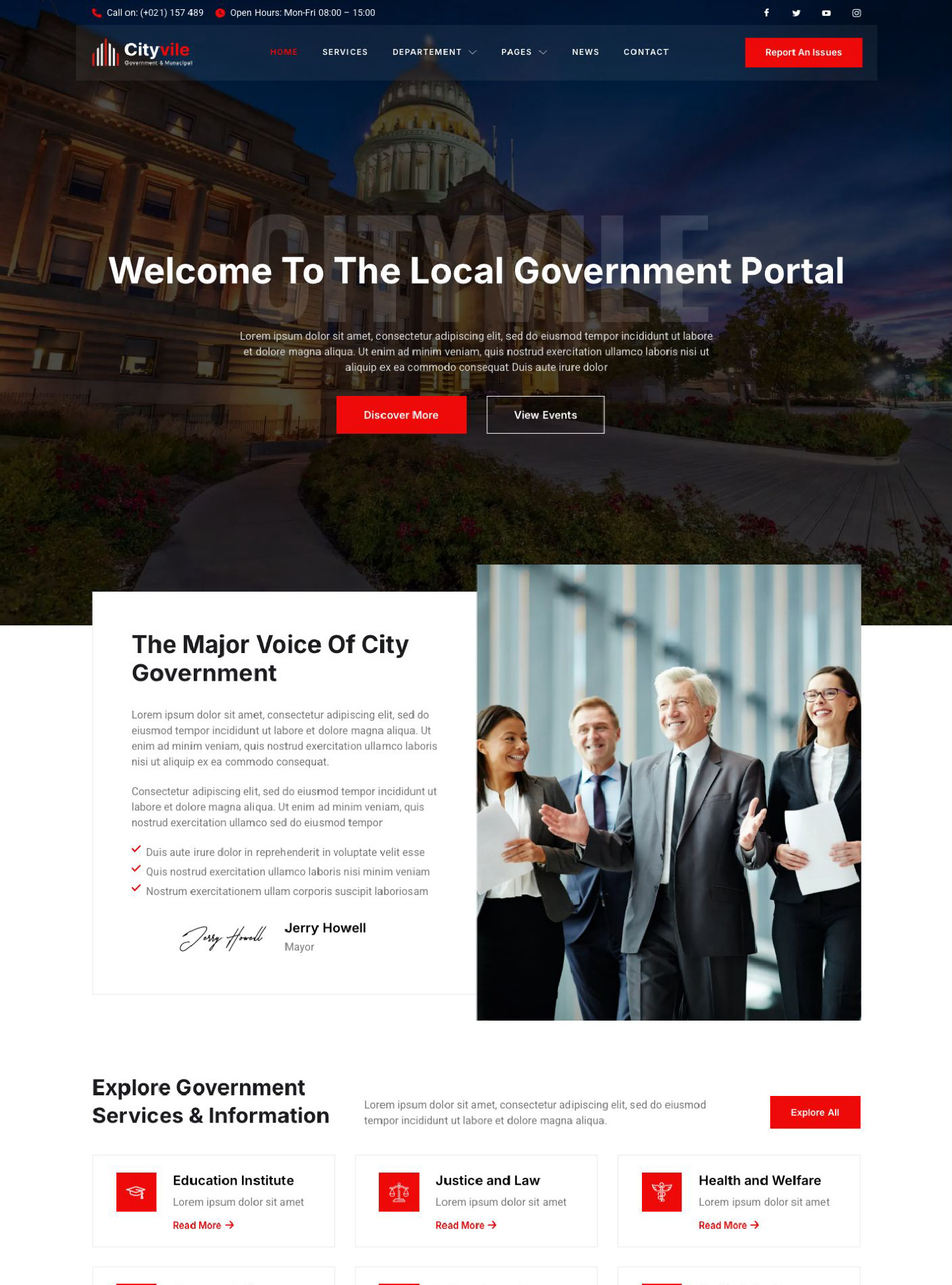
Cityvile is a WordPress block theme for city governments and municipal organizations, with a clear civic layout, prominent red accents, and large city imagery.…
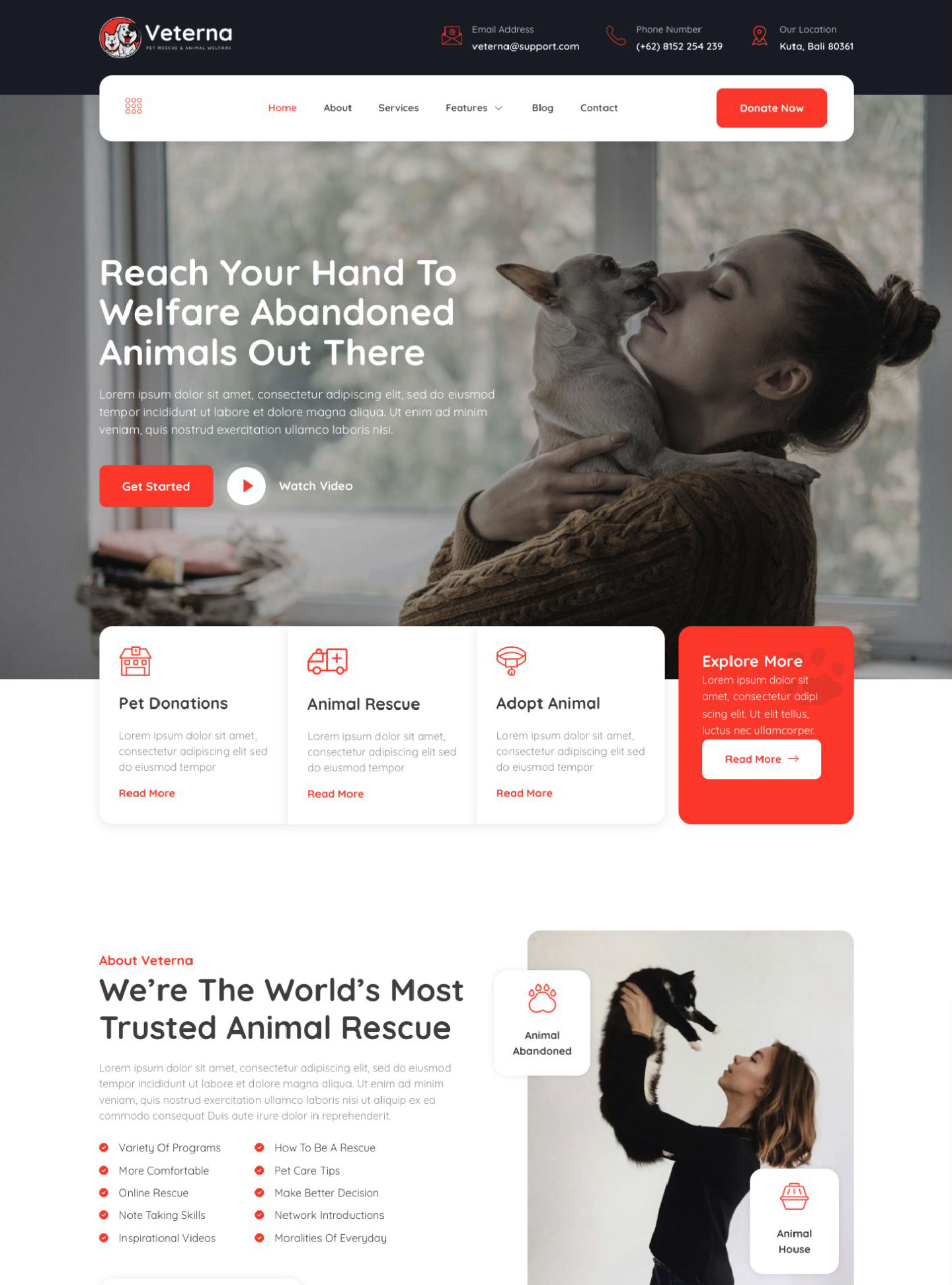
Veterna is a WordPress block theme for animal rescue organizations, shelters, and pet welfare charities. Put your rescue mission and animal welfare work at…