















 Things to Know


We respect your privacy and won’t spam you.
Running Club WordPress Block Theme - Runclub
Designed for running clubs, marathon organizers and sports communities.

Introducing Runclub
Runclub is a WordPress block theme for running clubs, marathon organizers, and sports communities, with energetic photography, dark sections, and vivid lime accents. Introduce your club, coaching approach, and the community around your sport. Built with Full Site Editing (FSE) and Gutenverse, it gives you a visual starting point that you can adapt to your own brand.
The Runclub preview uses marathon and running-event showcase alongside club coaching and youth-running presentations. The design also includes running team and participation-process navigation. Adapt these sections to your own material in the WordPress block editor with Gutenverse PRO, replacing sample details and connecting enquiry buttons to your actual workflow.
Who This Theme Is For
Runclub is designed for running clubs, marathon organizers and sports communities. The demo focuses on marathon and running-event showcase, making it a useful starting point when these subjects are central to your website. Compare the club coaching and youth-running presentations with the content you plan to publish before choosing this design.
Pages and Layouts
The Runclub live demo links to Home, About Us, Events, Team, Services, FAQ, Blog Page, Single Post, Contact, and News. Runclub's demo brings together marathon and running-event showcase, club coaching and youth-running presentations, and running team and participation-process navigation.
Start by adapting the marathon and running-event showcase to your own content. Update event dates, locations and participant information before sharing the site. Set article queries to your own categories and replace the sample posts and featured images. Customise Runclub in the WordPress block editor with Gutenverse PRO. The live preview shows the design; check the importer separately for the layouts available to your edition.
Things to Know
A quick overview of the demo content, requirements, customization options, and other details to help you get the most from your setup.
What’s Included in the Import?
Runclub includes page-import files containing block layouts, sample text and demo image references. Importing a selected layout adds that sample content; image downloads depend on the referenced files being available.
For the design overview, see Pages and Layouts. A menu definition is included; review the imported links and assign your navigation after import. The theme supplies its style defaults; importing content does not configure your own logo, contact details or connected services.
Requirements & License
Use Runclub with WordPress and activate Gutenverse, Gutenverse Form and Gutenverse Companion. Access to this premium design requires an eligible Gutenverse account and license for the selected theme.
See Theme Information for the version requirements and, where applicable, eligible plans. Gutenverse Companion supplies this theme’s extensions and import workflow. Gutenverse Form provides the form blocks used by this design.
Editing & Customisation
Edit Runclub’s site templates and shared header/footer through Appearance → Editor. Edit the imported page content in the WordPress block editor, then select individual Gutenverse blocks to change their text, imagery, spacing and responsive settings.
For Runclub, start with the marathon and running-event showcase, then replace the sample material in the club coaching and youth-running presentations. Review the running team and participation-process navigation and their destinations after importing. Test the finished page on desktop, tablet and mobile, and check any forms or external links you connect.
Is Runclub Right for Your Website?
Choose Runclub if you need a design centred on marathon and running-event showcase. Compare its club coaching and youth-running presentations and running team and participation-process navigation with your own content, image proportions and preferred enquiry path.
Class availability, membership billing and confirmed enrolment require a scheduling or membership service. Use your own training photography and keep programme information current.
Key Features
- Marathon and running-event showcase
- Club coaching and youth-running presentations
- Running team and participation-process navigation
- Demo navigation: Home, About Us, Events, Team, and Services
- WordPress block editing with Gutenverse PRO
Global Features
Bring your website to life with visual WordPress block editor, flexible layouts, and design controls that help you make it your own.
- Visual WordPress Block EditingBuild and edit pages with Gutenverse blocks in the WordPress editor. See your changes as you shape your website.
- Responsive Layout ControlsFine-tune layouts for desktop, tablet, and mobile to keep your content clear and easy to explore across screen sizes.
- Make It Your BrandPersonalise colours, typography, backgrounds, and spacing to create a consistent look that reflects your business or creative style.
- Easy Template ImportStart with a prebuilt website design, import the available template content, then personalise the text, images, and styling to make it your own. Template availability depends on your theme and plan.
- Flexible Blocks and SectionsCombine and rearrange blocks to present your services, showcase your work, and build pages around the content your visitors need.
- Room to Grow with PROExtend your website with Gutenverse PRO for advanced design controls, dynamic content, and more powerful forms and popup options.
How To Use This Theme
Purchase Runclub as a standalone theme, then install it in WordPress and customise the available demo with Gutenverse.
- Choose a purchase option above and review its license terms. Download the theme ZIP from the account used for your purchase.
- In WordPress, go to Appearance → Themes → Add New → Upload Theme. Upload the theme ZIP and activate it.
- Install and activate the plugins required by the selected demo, then follow the setup instructions supplied with your purchase.
- Open the demo importer or template library provided by the theme and Gutenverse. Find the available design for Runclub and review its required plugins before importing.
- If demo import is available, install the plugins listed for that demo, choose the content and settings you need, and start the import. Keep the window open until it finishes. You can also build pages directly with blocks.
- Open Appearance → Editor to customise the site templates, navigation, and styles available in your theme. Edit individual pages under Pages, then replace the sample text, images, and logo with your own.
- Set your homepage and menus, check links and forms, and preview the website on desktop, tablet, and mobile before publishing your changes.
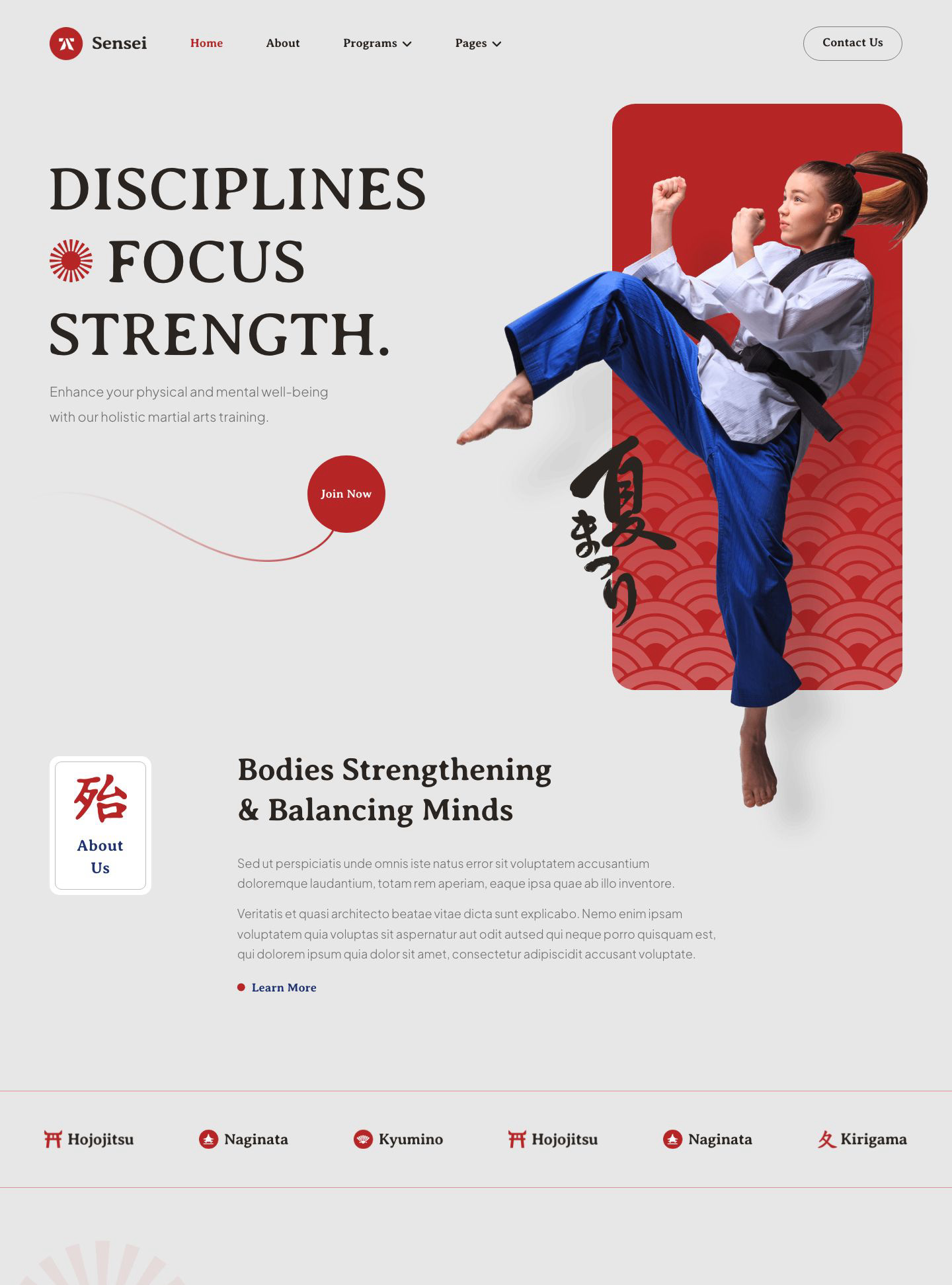

Sensei is a WordPress block theme for martial arts schools and training clubs, blending energetic athlete imagery with red accents and distinctive typography. Introduce…
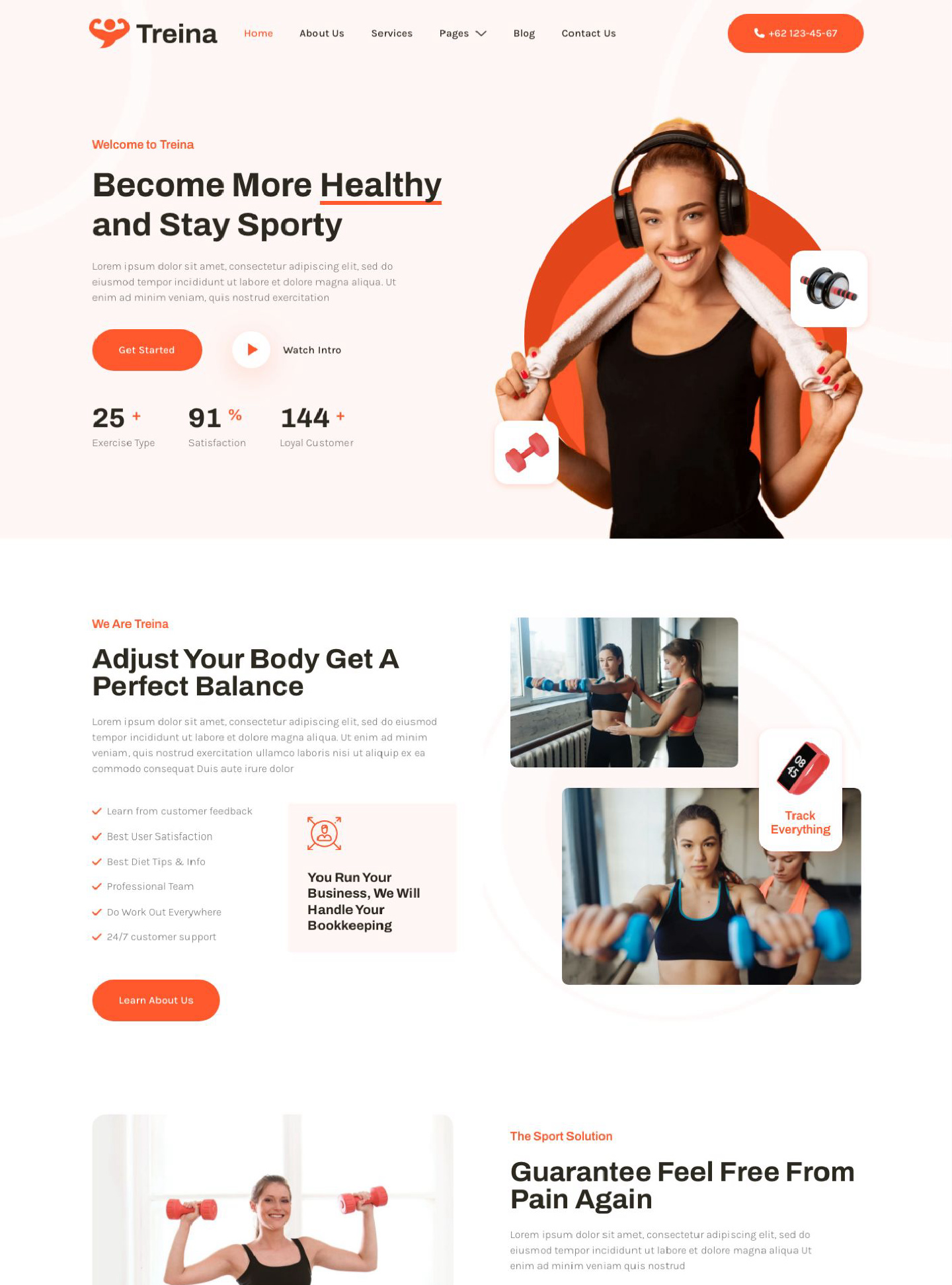
Treina is a WordPress block theme for personal trainers and fitness coaches, with fresh orange accents, bright layouts, and motivating workout imagery. Give prospective…
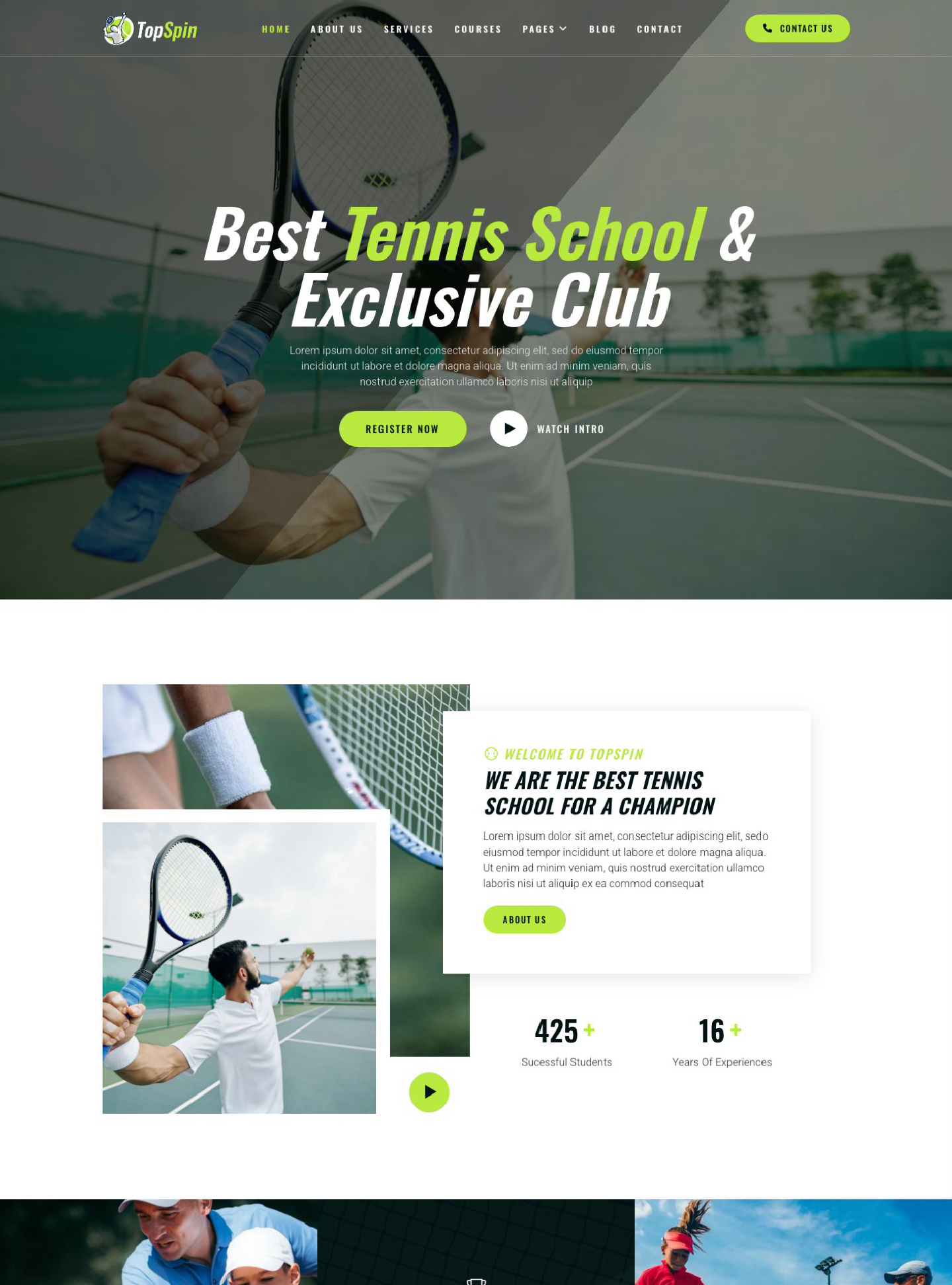
TopSpin is a WordPress block theme for tennis academies, coaches, and clubs, with energetic court imagery, lime green accents, and bold sports typography. Introduce…