Your digital marketing agency website should prove that you can do what you promise clients. It needs to attract attention, explain your services, build trust, and encourage visitors to contact you.
You don’t need a complicated website to achieve that. Start with the right pages, describe your services clearly, show credible results, and make it easy for visitors to get in touch.
In this guide, you will learn how to build a digital marketing agency website in WordPress using a clear and practical structure. You can follow these steps whether you run a small agency or work independently.
What Is a Digital Marketing Website?
A digital marketing website promotes the services of an agency, consultant, freelancer, or in-house marketing team. These services may include SEO, social media marketing, paid advertising, content marketing, branding, web design, and analytics.
The website should do more than look modern. It should clearly tell visitors:
Many marketing websites fail to communicate these points clearly. They use vague headlines such as “We grow brands online” without explaining what they actually do.
Your website should help visitors understand your services quickly and guide them toward the next step. This matters because potential clients often compare several agencies before choosing one.
Start With Your Positioning, Not the Design
Before you design your website, decide what you want people to know your agency for.
Many people skip this step and start choosing colors or layouts instead. However, your positioning shapes almost every part of the website, including your headline, services, case studies, blog topics, and contact form.
Start by answering three questions:
You can focus on a particular industry, such as dental clinics, restaurants, e-commerce brands, SaaS companies, real estate agencies, or local businesses.
You can also specialize in one service, such as SEO, paid advertising, content marketing, social media management, email marketing, or landing page design.
Combining an industry with a specific service often makes your positioning clearer. For example:
You don’t have to stay in the same niche forever. Your focus can change as your agency grows. For now, a clear position helps visitors quickly decide whether your services match their needs.
Plan Your Pages Before You Start Designing
Before you choose colors or import a template, decide which pages your digital marketing website needs. This step helps you build a website with a clear structure instead of creating an attractive homepage that leads nowhere useful.
If you’re starting with limited content, keep the structure simple. You can begin with a Home, Services, About, Blog, and Contact page. Also, add case studies later when you have strong client results to share.
You should also plan your main navigation at this stage. Keep the menu short and easy to understand. You don’t need ten menu items when you launch. Include only the pages that help visitors learn about your services and decide what to do next.
When using Gutenverse, you can follow the Gutenverse Nav Menu guide to create and configure your website menu directly in WordPress.
Get Your Website Ready
After you plan the pages, prepare the basic setup for your website.
You will need:
Choose a domain name that matches your agency name as closely as possible. Keep it short, easy to spell, and easy to pronounce. People should understand it when they hear it during a call. When your preferred domain is unavailable, try a simple variation instead of using a long or confusing name.
Next, choose a hosting provider that works well with WordPress, includes an SSL certificate, and offers reliable performance. You don’t need an advanced server setup when you are starting. However, your website should load quickly, remain accessible, and be easy to manage.
Once you install WordPress, only add the plugins you need. Installing a plugin for every small feature can slow down your website and make it harder to maintain. Start with tools for building pages, customizing the design, collecting leads, and managing basic SEO.
Choose the Right Tools for Your Website
To build a digital marketing website, you need tools that make it easy to create pages, publish content, manage your design, and improve your SEO.
You can start with:
WordPress lets you manage your pages, blog posts, website structure, and design from one dashboard. When you use a block theme, the WordPress Site Editor also lets you customize site-wide areas, including headers, footers, and page templates.
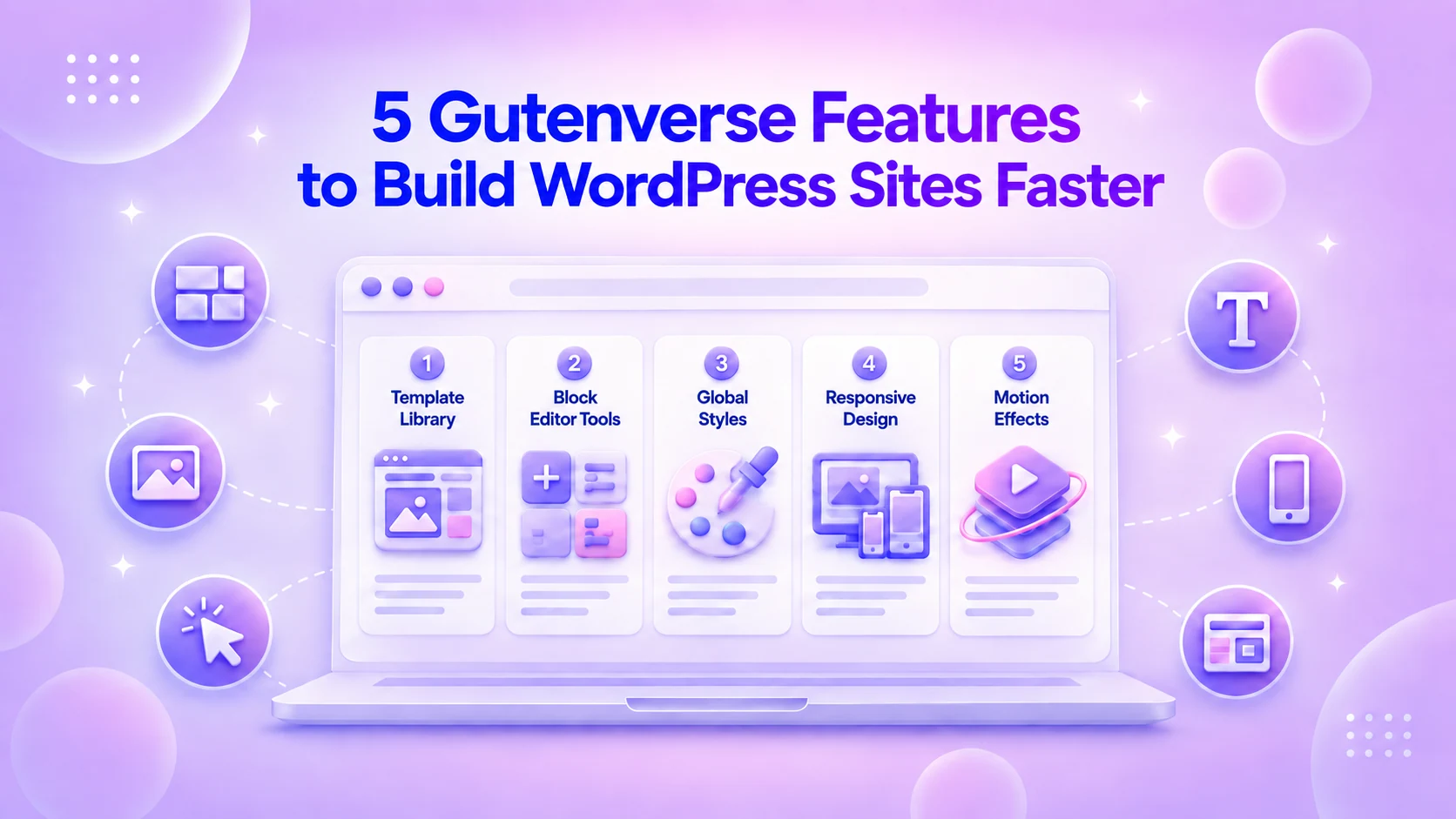
Gutenverse works directly inside the WordPress block editor, so you can build your website without switching to a separate page builder. The free version includes more than 45 blocks and over 600 template sections, giving you enough tools to create and launch a professional agency website.
Start with the Gutenverse installation guide. After installing the plugin, you can add a compatible theme through the Gutenverse dashboard or the WordPress dashboard. The theme installation guide explains both methods.
Still unsure which theme to choose? Read our post to the best WordPress themes for marketing and SEO agency websites. It can help you find a theme with suitable layouts for services, lead generation, and marketing content.
Start From a Template, Then Make It Specific
Starting with a blank page gives you complete freedom, but it can also slow down the building process. A template gives you a ready-made structure that you can adjust to match your services and brand.
In Gutenverse, you can open the Template Library from the Pages menu or by going to Appearance > Editor. You can import a complete page or add individual sections as you build.
A template only gives you a starting point. You still need to replace the demo content and make the design specific to your agency.
After importing a layout, update:
Avoid broad phrases that could describe any agency. For example, “We Help Businesses Grow Online” because it doesn’t explain what you actually offer. Meanwhile “SEO and Content Strategy for Local Service Businesses” gives visitors a much clearer idea.
Similarly, “Paid Ads Management for Ecommerce Brands” sounds more specific than “Digital Solutions.”
Clear and specific messaging helps the right visitors quickly understand that your services match their needs.
You should also replace generic stock images. Use team photos, campaign screenshots, examples of client work, branded graphics, dashboard visuals, or simple illustrations. Every image should support your message and build trust, not simply fill empty space.
Build a Homepage That Answers the Right Questions
Your homepage doesn’t need to explain every detail about your business. It should quickly show visitors what you offer and give them a reason to explore further.
A simple digital marketing homepage can include these sections:
Avoid clever headlines that hide your actual offer. Visitors should understand your business within a few seconds.
You can use this simple formula for your hero headline: We help [audience] achieve [result] through [service].
For example:
You can refine the wording later. Start with a clear message that helps visitors understand exactly what you offer.
Create Service Sections That Are Easy to Compare
Your services page should help visitors quickly decide whether your agency can solve their problem. Avoid listing every service in one long paragraph.
Instead, give each service its own section or card. Include:
A digital marketing agency may offer services such as:
You don’t need to offer every service on this list. Focus on the services you understand well and can deliver confidently. A smaller and more focused offer often makes your agency easier to understand.
When you sell fixed packages, add a pricing or plan section. For custom projects, you can show a starting price or explain which factors affect the final quote. Visitors may not need an exact price, but they should have a general idea of whether your services fit their budget.
You can also turn a broad service into a specific package. For example, instead of offering only “SEO Services,” create a clearer offer such as “Local SEO Setup,” “Content Strategy Sprint,” or “Landing Page Audit.”
Specific packages help visitors understand what they will receive before they contact you.
Build Trust With Clear and Honest Proof
Many marketing websites try too hard to look trustworthy. They use bold claims, unclear badges, and impressive-sounding phrases that don’t provide real evidence.
You can build trust more effectively with simple and honest proof, such as:
When you don’t have complete case studies yet, share smaller examples of your work.
You could explain how you improved a homepage, organized a content plan, or set up analytics for a client. Describe what you did clearly, but don’t invent results or use numbers you can’t confirm.
A clear process can also build trust, especially when your agency is new. Explain what happens after someone contacts you, such as: Discovery call → Audit → Proposal → Strategy → Execution → Reporting.
This helps potential clients understand what to expect and makes the next step feel less uncertain.
Set Up The Contact Form
Your digital marketing website should make it easy for potential clients to contact you. You don’t need a large button in every section, but visitors should always know what to do next.
Choose one main call to action, such as:
Use the same call to action in relevant places, including the homepage hero, service sections, case studies, and contact page. Repeating one clear action helps visitors move through the website without confusion.
With Gutenverse Form, you can add the Form Builder block and include fields such as Text Input and Submit Button.
For a marketing agency inquiry form, only ask for the information you need to start the conversation:
A detailed form can help you qualify serious leads, but too many questions may stop people from submitting it. Start with a simple form, then gather more details during the next conversation.
Make the Design Match Your Brand
Once you finish planning the website structure, start creating its visual style.
Your digital marketing website should look clear, professional, and confident. You can use a bold, colorful, minimal, editorial, or playful style based on the clients you want to attract.
However, the design should always support your message rather than distract from it.
You can focus on these key areas:
Gutenverse Global Styles lets you manage your website colors and typography from one place. The Global Styles guide explains how to create these styles and apply them across your blocks.
After you finish the desktop design, review the website on tablets and mobile devices. Gutenverse provides responsive controls for supported block settings, so you can adjust the design for different screen sizes. The responsive styling guide explains how to make changes at each breakpoint.
Don’t skip this step. Many potential clients may first visit your website from a phone after finding your content through social media, search results, or a referral.
Prepare Your Blog for Improving SEO
Your blog should do more than fill empty space on your digital marketing website. Use it to answer the questions your potential clients already search for online.
Google’s SEO Starter Guide recommends creating helpful and reliable content for readers while making each page easy for search engines to understand. For a marketing website, this means writing clear and specific articles that connect naturally to your services.
Start with topics such as:
Focus each article on one specific question. Include examples that relate to your target industry or audience. When relevant, link to a related service page so readers can learn how you can help.
A useful blog can attract people who are searching for answers, give them practical advice, and show how your services can solve their problems.
Complete a Simple Pre-Launch Check
Before you publish your digital marketing website, review every important part one more time.
Check that:
Your website doesn’t need to be perfect before you launch it. It needs to be clear, easy to use, and trustworthy.
You can continue improving a live website over time. However, a website that stays unfinished in your drafts cannot attract visitors or bring in new clients.
Keep Improving Your Website After Launch
Launching your website is only the beginning. Once it’s live, you can use real visitor activity and feedback to improve it.
You can create a simple monthly routine to:
You don’t need to spend an entire week on website maintenance. Even one focused hour each month can keep your website accurate, useful, and up to date.
As your agency grows, make your website more specific. Add stronger proof, improve your service pages, and replace broad claims with clear examples.
The first version helps you launch. Each improvement helps you build more trust and attract better clients.
FAQ
A digital marketing website should include a homepage, services page, about page, case studies or other proof, a blog, and a contact page. Each page should help visitors understand your services and guide them toward contacting you.
Of course! You can use WordPress, a block theme, and tools like Gutenverse to build your website.
A good homepage should include a clear hero section, service preview, proof, process, CTA, and sometimes a blog preview. Keep the page focused on what visitors need to understand before contacting you.
You don’t need dozens of posts at launch, but a blog is useful if SEO is part of your growth plan. Start with articles that answer client questions and connect naturally to your services.
Build Your Digital Marketing Agency Website With Gutenverse
A digital marketing agency website doesn’t need dozens of pages or complicated features. It needs to explain your services clearly and help visitors take the next step.
Start with the pages your visitors expect. Describe your services in simple language, add real proof of your work, and make it easy for potential clients to contact you. You can also use your blog to answer common questions and attract people who are already looking for your services.
Gutenverse lets you build your website directly inside WordPress using blocks, templates, global styles, forms, and responsive controls. Choose a theme or template that suits your agency, replace the demo content with your own message, and continue improving the website as your business grows.