
















Last Update: November 25, 2025
This is a place to manage which plugins are required and used by your current theme.
You can go to Dashboard → Themes Builder. Then click on the menu Required Plugins:
1.
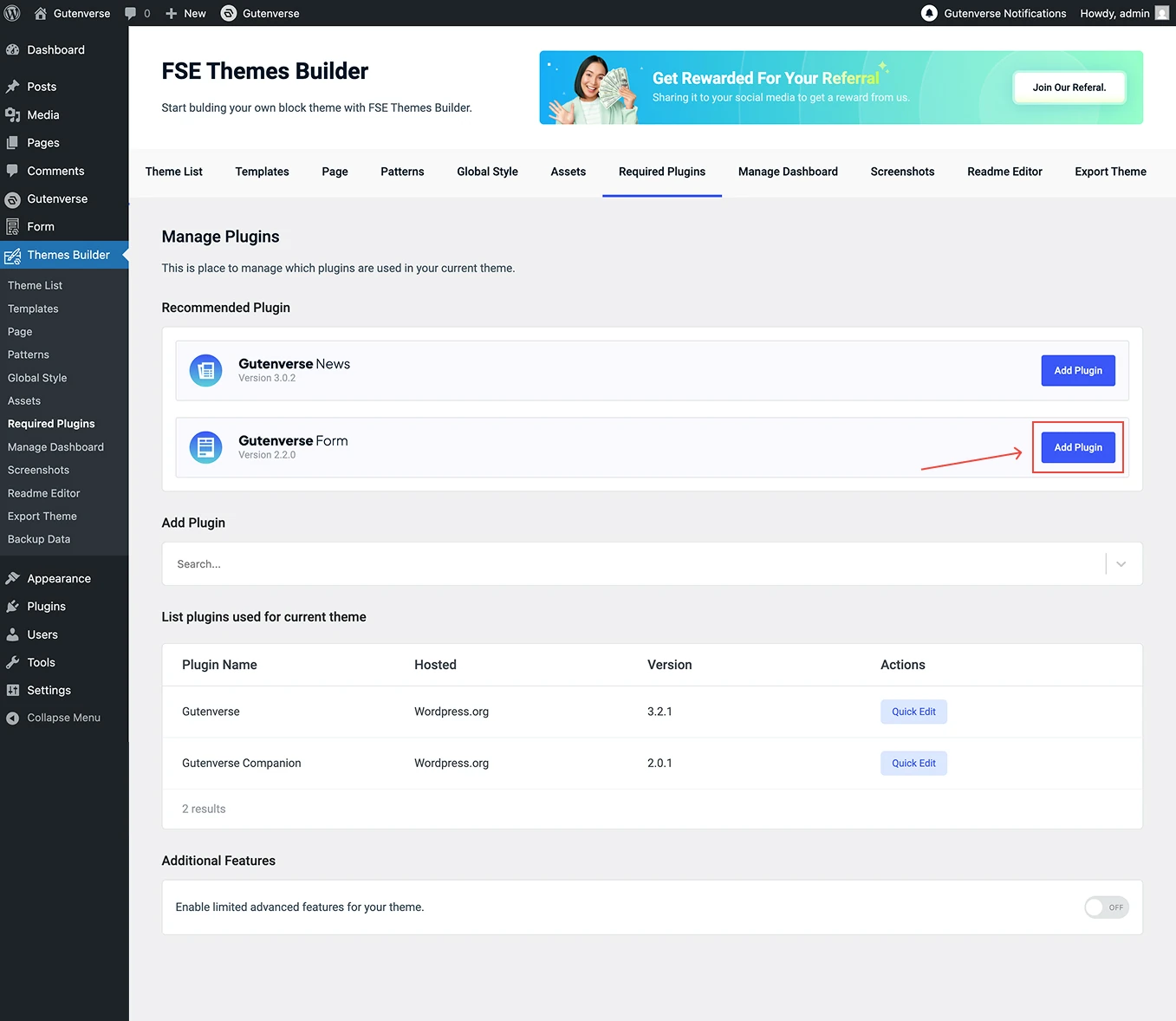
At the top, you’ll see a list of Recommended Plugins. These are plugins suggested for your theme. You can quickly add them by clicking the Add Plugin button.
2.
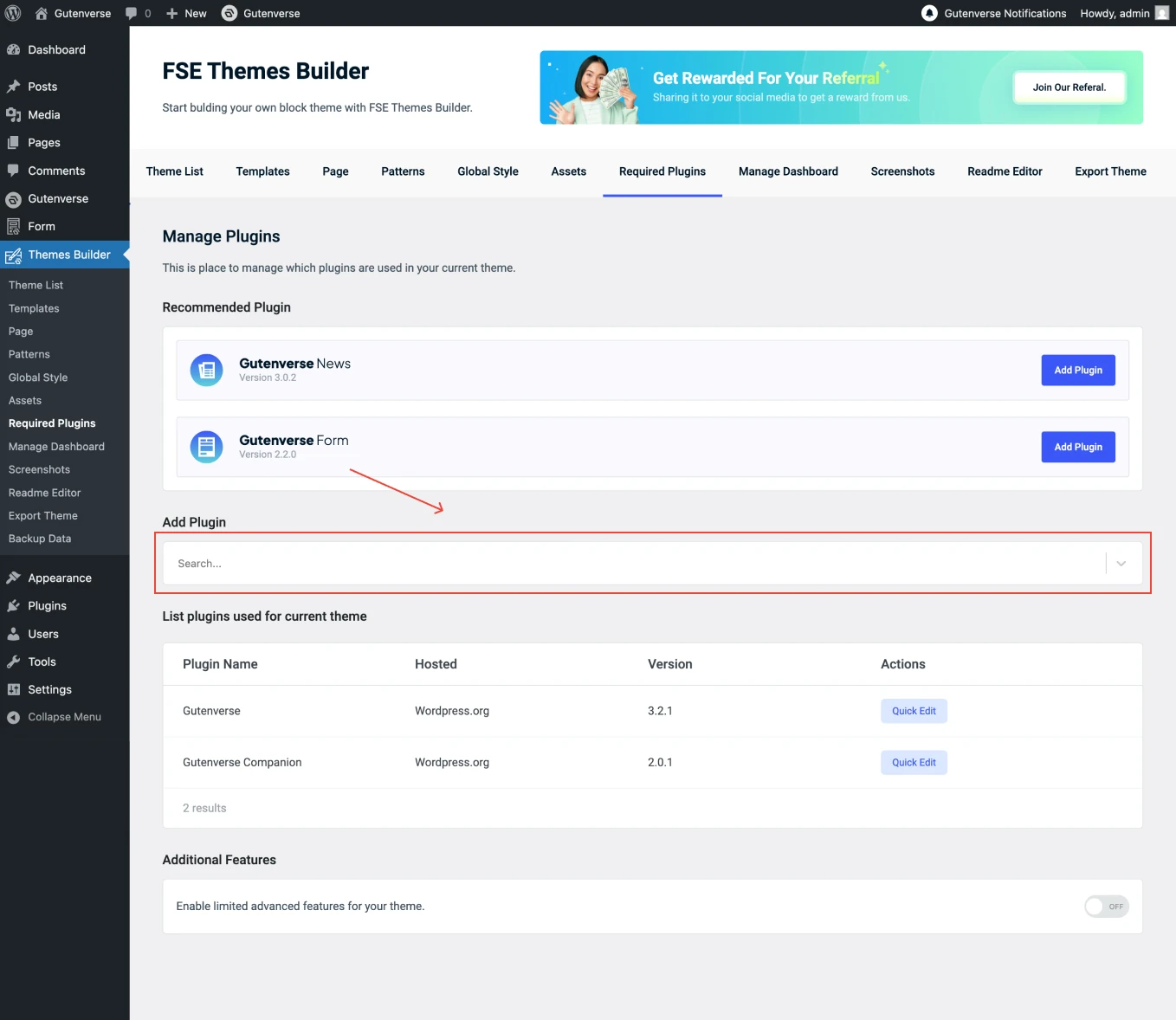
You can also add plugins manually using the Add Plugin section. Click on the form Search… field and enter the name of the plugin you want to add.
3.
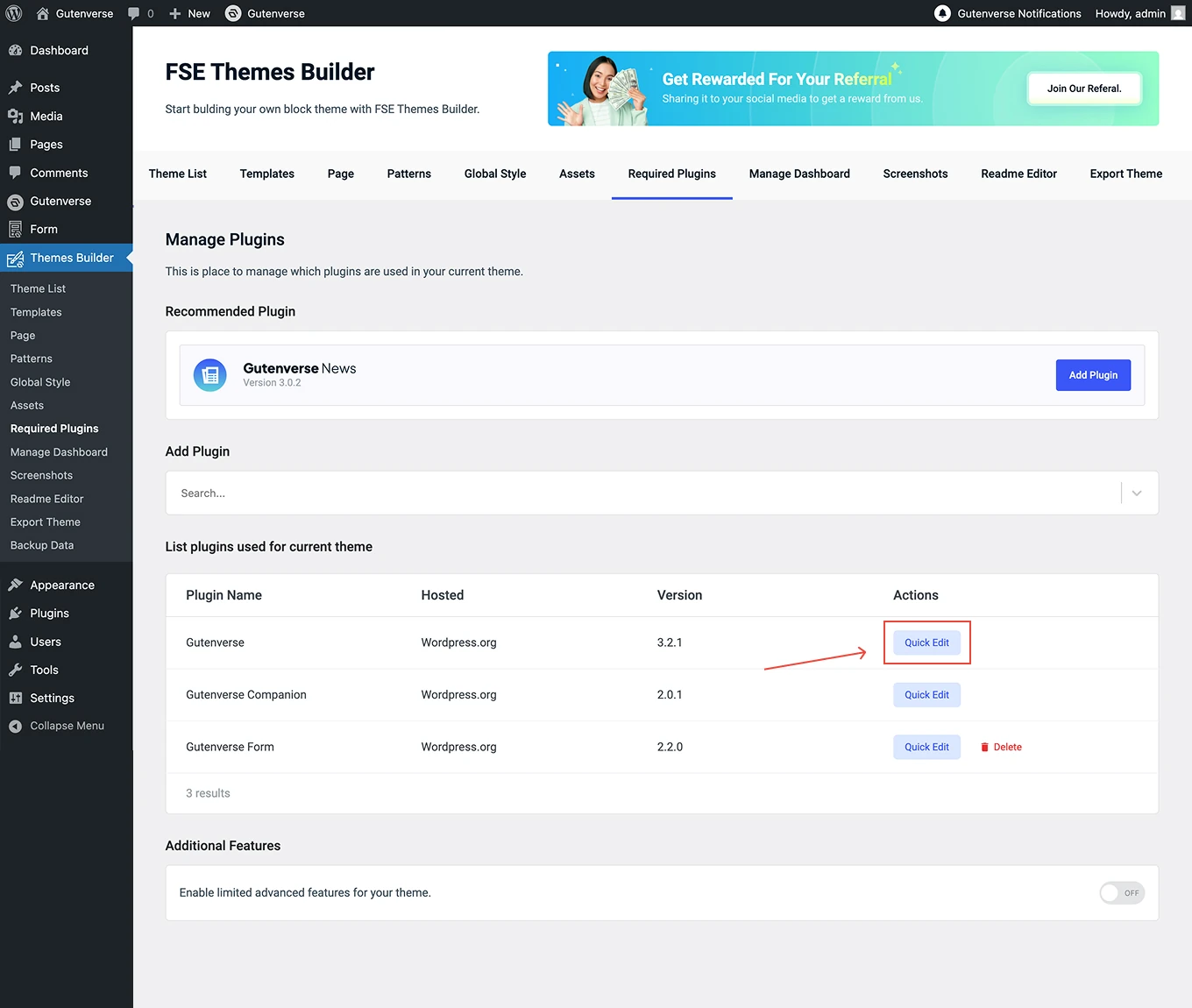
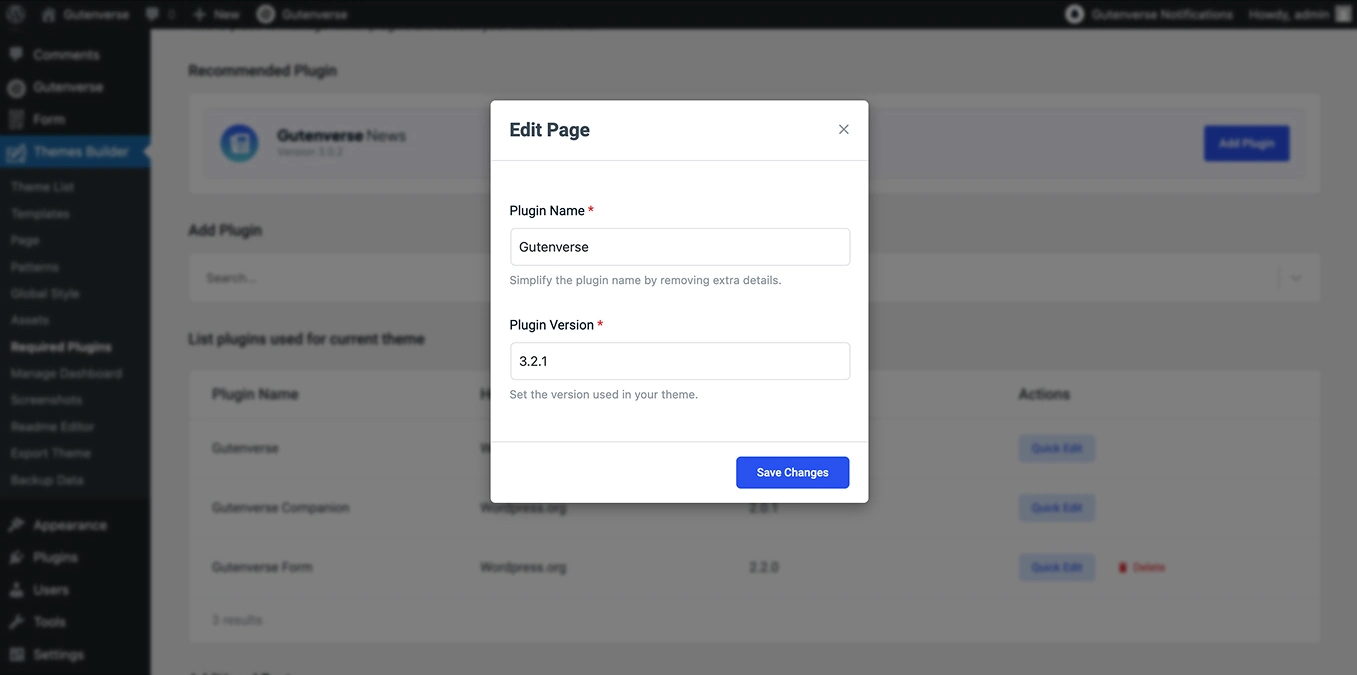
Once you’ve added the plugins your theme needs, they will appear in the list below. From here, you can edit the plugin name and version by clicking Quick Edit Button, or delete plugins that you no longer need. But for the Gutenverse and Gutenverse Companion plugins, they cannot be deleted because they are the default plugins.
4.
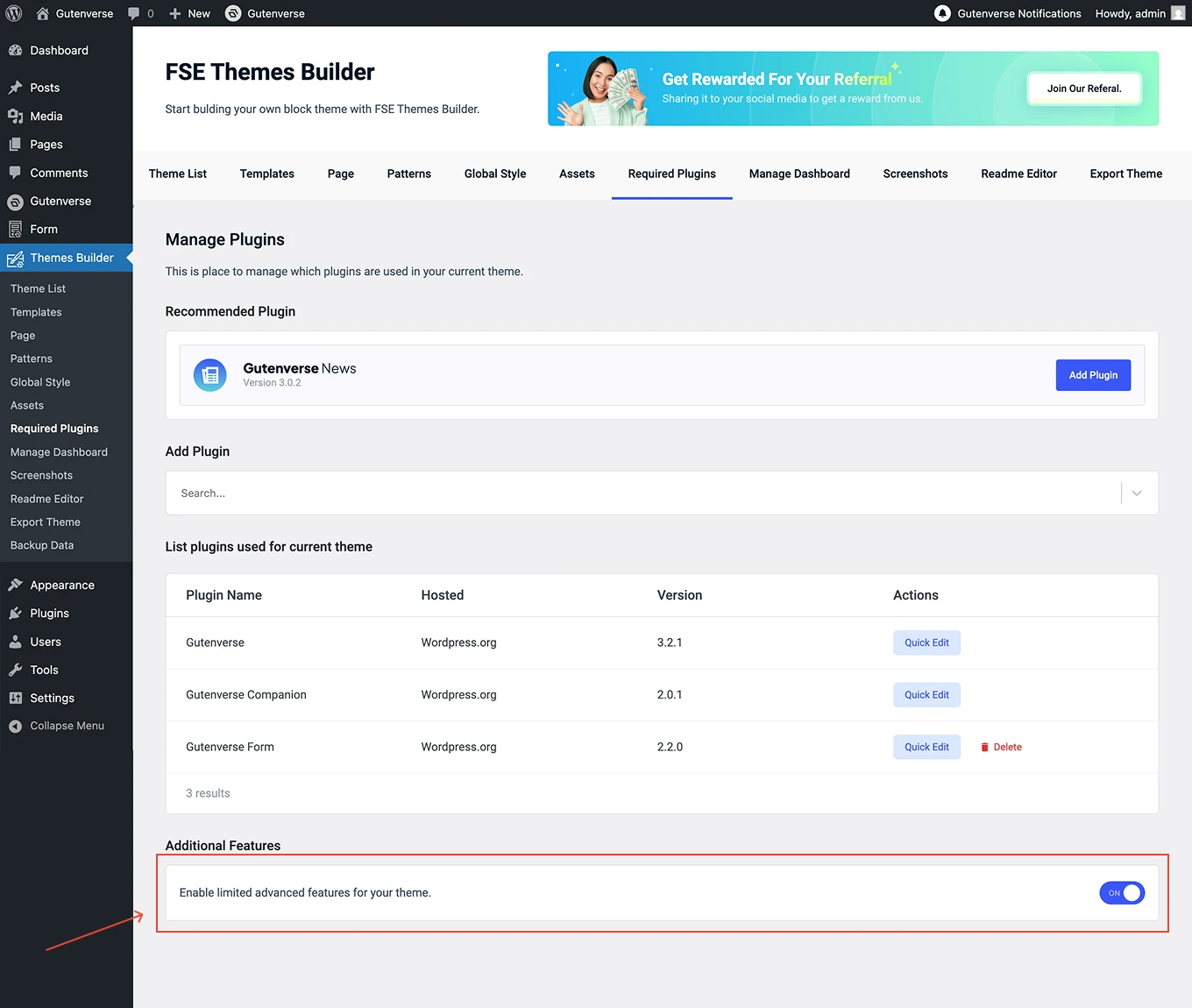
At the bottom, you can activate Additional Features to enable limited advanced (PRO) features for your theme.